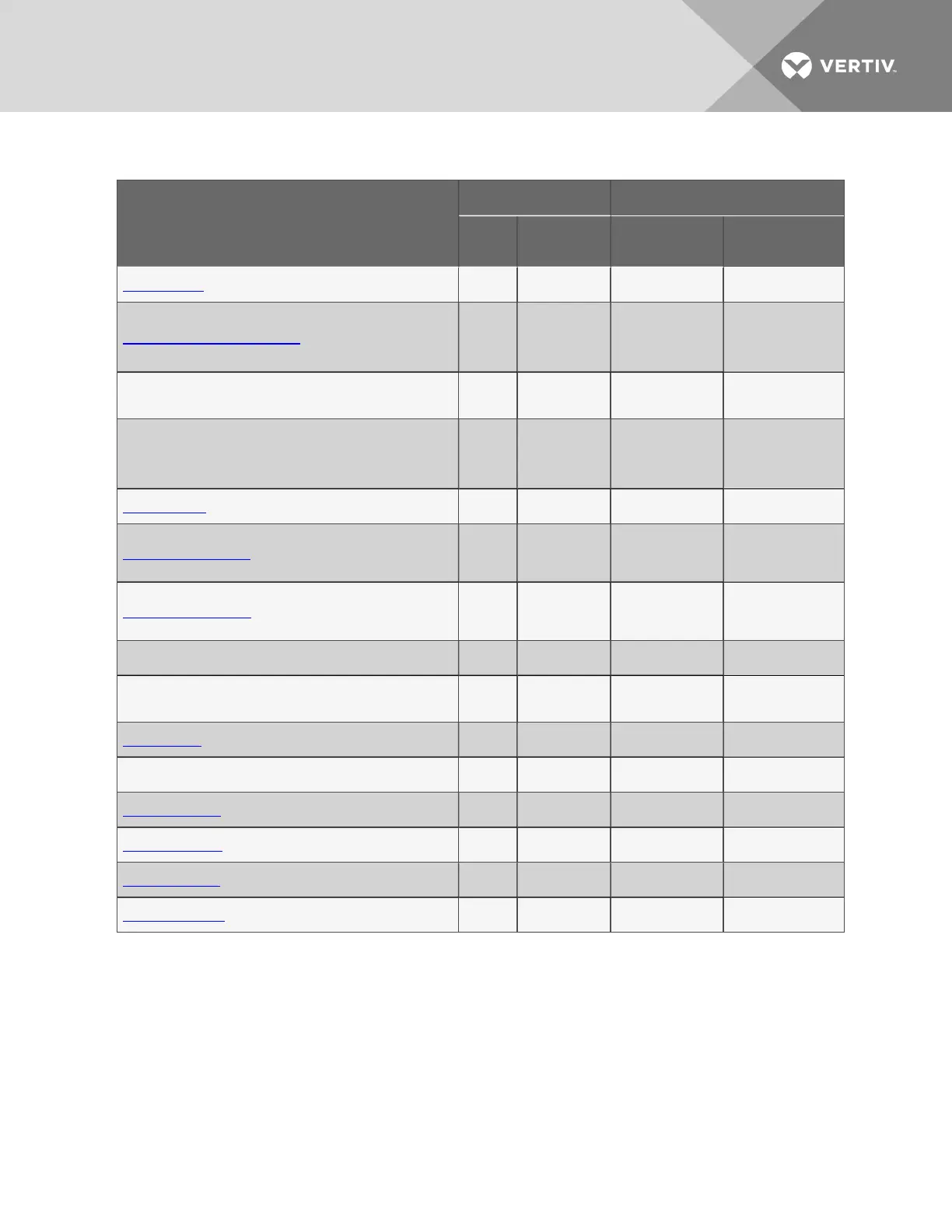
Function
Can be performed via: Where to find:
LCD
Service
Terminal
Instructions on
using function
Service Terminal
screen examples
Connect Battery x x
Connect Battery on
page85
Connect Battery
Backup and Upload Configuration File — x
Backup and Upload
Configuration File
(Service Terminal
Interface only) on
page86
Backup and Upload
Configuration File
(Service Terminal
Interface only)
Setup Serv Ph Num - Enter Phone Number x x
Setup Serv Ph Num
- Enter Phone
Number on page88
Setup Service Phone
Number
Setup Serv Ph Num - Communications Check — x
Setup Serv Ph Num
- Communications
Check (Service
Terminal Interface
only) on page89
Setup Service Phone
Number
Factory Defaults x x
Factory Defaults on
page91
Factory Defaults
Perform Firmware Update — x
Perform Firmware
Update (Service
Terminal Interface
only) on page91
Firmware Update
(Service Terminal
Interface only)
Initiate Remote Alarm Test — x
Initiate Remote
Alarm Test (Service
Terminal Interface
only) on page93
Initiate Remote Alarm
Test (Service
Terminal Interface
only)
Setup Operation x x
Setup Operation on
page95
Setup Operation
Setup I/O Matrix x x
Setup System -
Setup I/O Matrix on
page101
Setup I/O Matrix
Override Output x x
Override Output on
page103
Override Output
Clear Alarms & Logs x x
Clear Alarms & Logs
on page105
Clear Alarms & Logs
Clear Active Alarms x x
Clear Active Alarms
on page105
Clear Active Alarms
Clear the Alarm Log x x
Clear the Alarm Log
on page105
Clear the Alarm Log
Clear the Event Log x x
Clear the Event Log
on page106
Clear the Event Log
Clear the Trend Logs x x
Clear the Trend
Logs on page106
Clear the Trend Logs
Table A.1 Guide to Liebert AC8 functions (continued)
A.2 Connecting to the Service Terminal Interface
This section describes how to set up and connect to the Service Terminal Interface.
Connection Methods
There are two ways to access the Service Terminal Interface:
• Direct—Use a null modem cable to connect a computer’s COM1 port to the AC8’s RS232 port,
OR
Vertiv | Liebert® AC8 User Manual | 111



 To Next Page