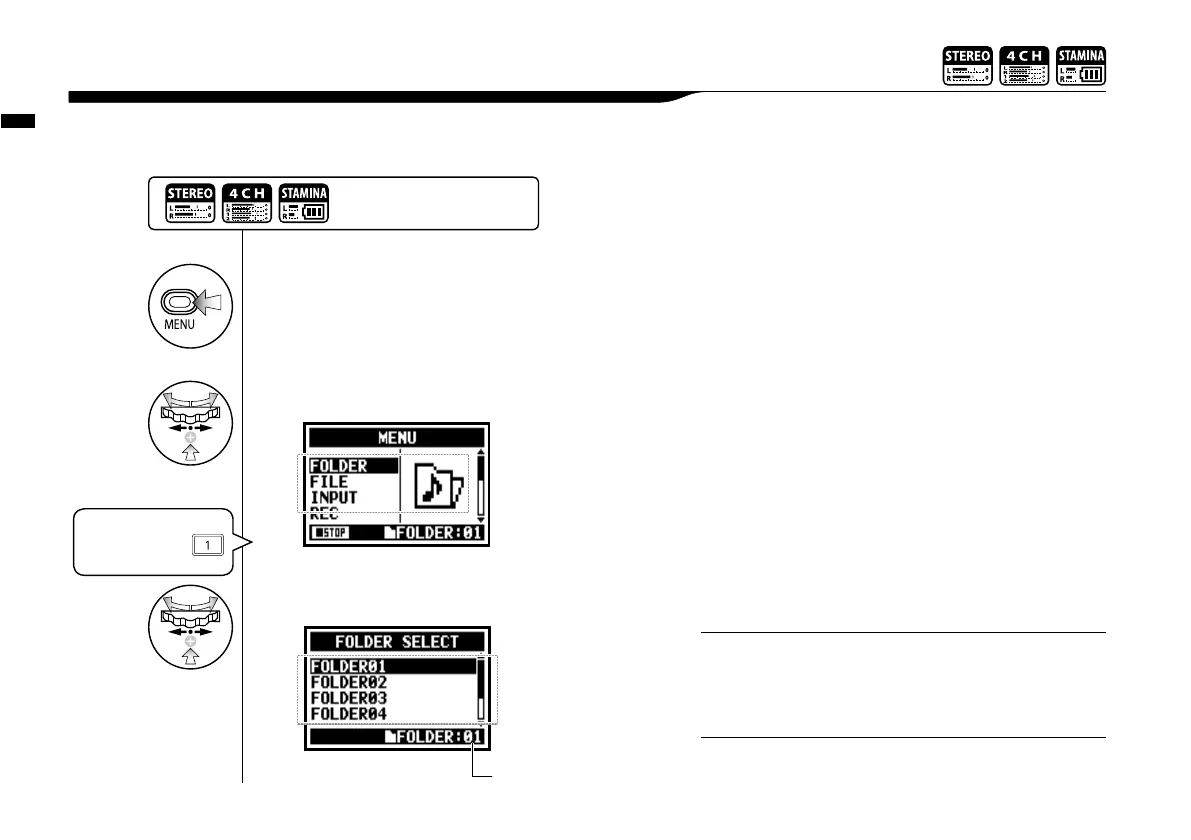
Edit / Output : <FOLDER SELECT>
103
Select the folder that contains your targeted file.
You can call the <FOLDER SELECT> pressing TRACK
[1]button on the top screen.
HINT:
5-01 Edit / Output : <FOLDER SELECT>
1
Press.
• You cannot use this setting during recording and playback.
• You can select any one separately among 10 folders in
STEREO/ STAMINA and 4CH mode.
NOTE:
2
Select <FOLDER> and press.
3
Select an optional folder and press.
Press the [MENU] button for
more than 2 seconds, and start
operation from the top screen.
present folder
"Short cut"
Pressing TRACK
on the top screen.



 To Next Page