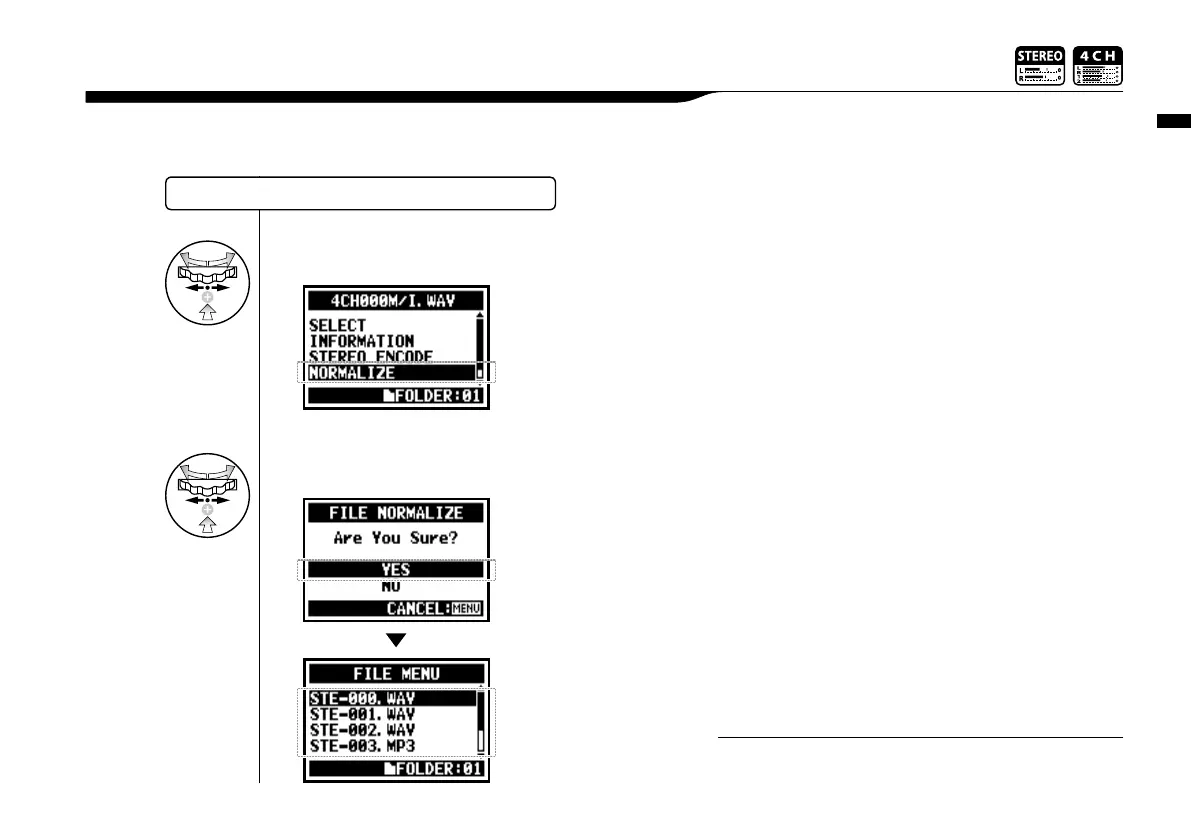
Edit / Output : <FILE NORMALIZE>
112
This function automatically adjusts the volume level of a recorded file for enhanced sound quality
and audio consistency.
5-09 Edit / Output : <FILE NORMALIZE>
SELECTING THE FILES…P.104<FILE SELECT>
5
Select <YES> and press.
4
Select <NORMALIZE> and press.
<NORMALIZE> function is only available for files recorded in
WAV format
NOTE:



 To Next Page