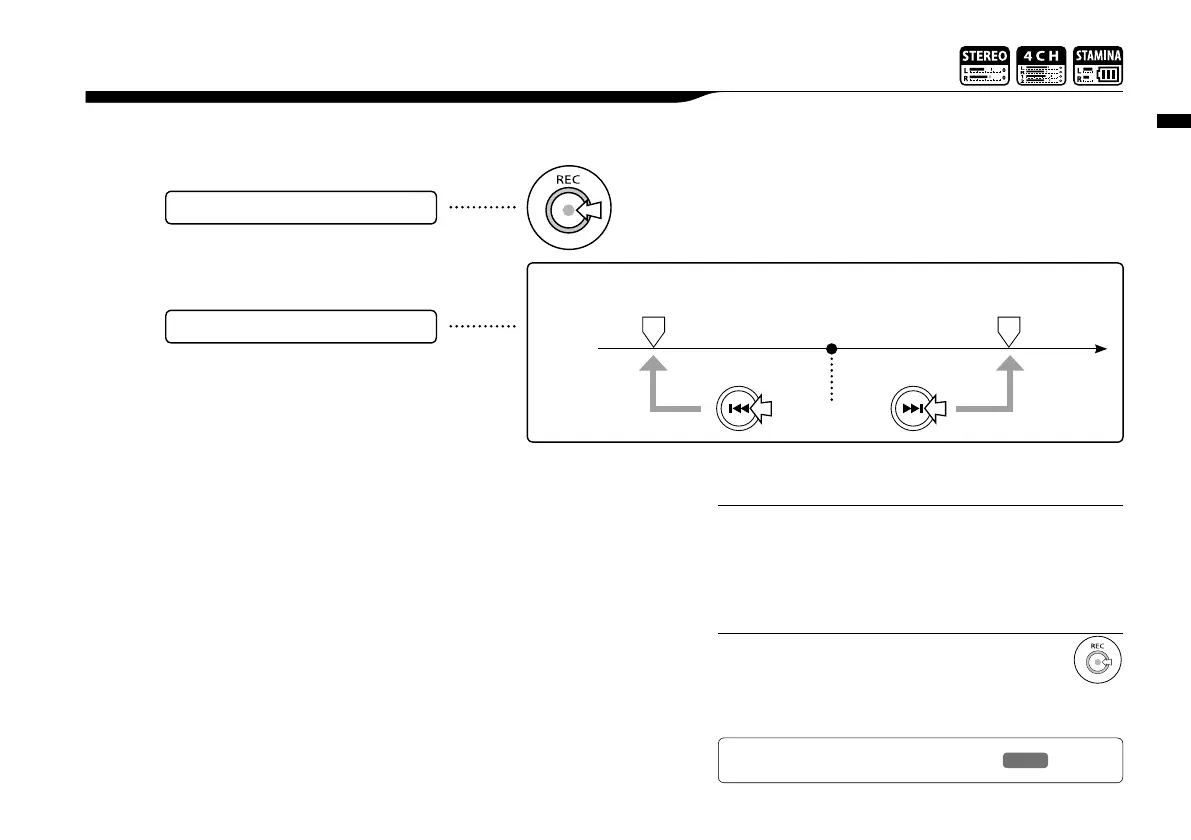
Playback : Setting marks
096
While operating file playback you can create marks at desired spots.
You can move easily to the spot during playback.
4-03 Playback : Setting marks
• Mark function is available only in case of WAV format.
• The maximum marks you can place in one file are 99.
• Once a mark has been created it cannot be deleted.
NOTE:
During playback operation,
press the [REC] button.
How to create marks
How to playback the marked file
FILE
• Pressing [REC] button during recording, you can
create marks.
• You can recognize marks in the file in the <MARK LIST>.
HINT:
You can move to the marked position
pressing [FF] and [REW] buttons in the
files with marks.
Ref.
☞
<MARK LIST>
P.115
Mark A
Current position
Mark B



 To Next Page