Effect <EDIT (EFX) >, editing EFX modules
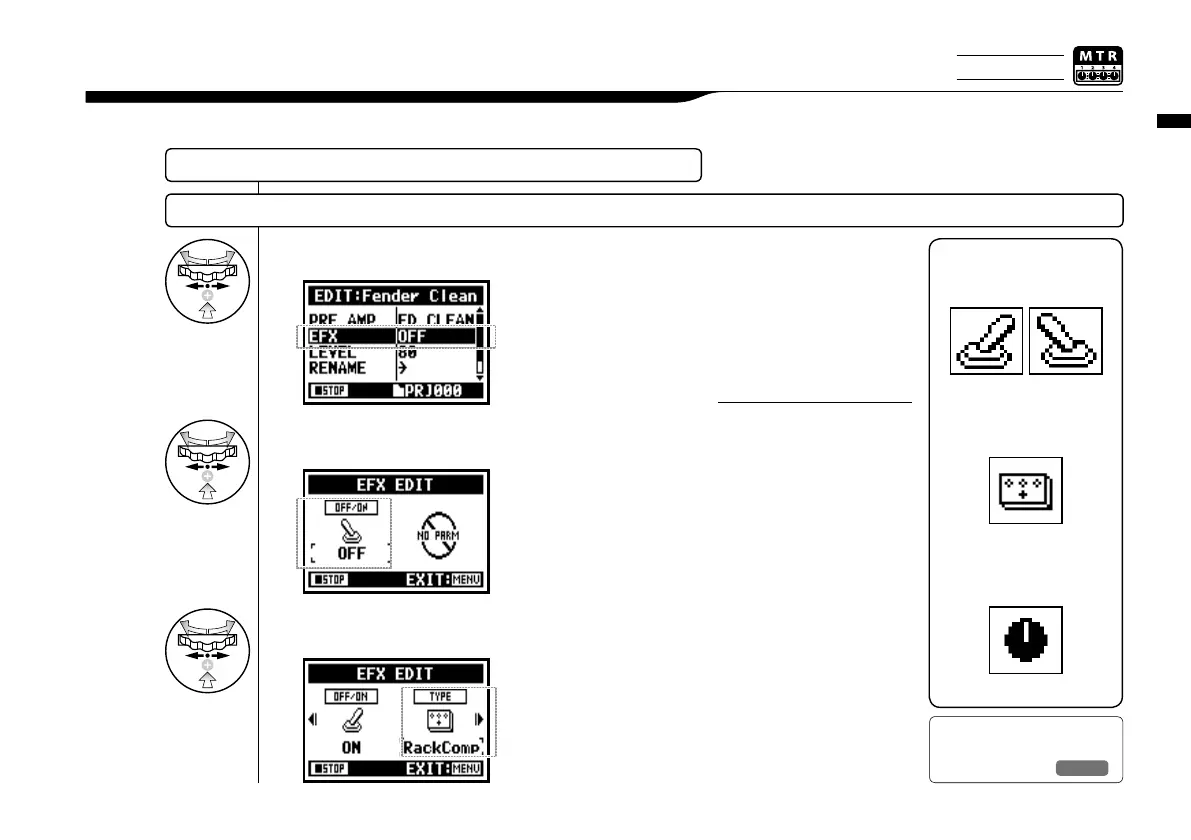
Edit the patch by selecting from various parameters that correspond closest to your desired effect.
3-03-5 Effect <EDIT (EFX) >, editing EFX modules
Select the nearest image PATCH and edit it....P084
ADJUST EFX module
9
Select editing PARAMETER
and press.
8
Press <ON/OFF> and EFX
module turns on.
7
Select <EFX> and press.
086
EFFECT TYPE: SET THE EFX
VARIOUS PARAMETERS
PRE AMP MODULE CONDITION
ON
/
OFF
ICON
Ref.
☞
EFX module PARAMETER
P.141
To select PRE AMP and EFX
modules, make setting after
changing the module status
ON.
Default: When a module
is OFF, no parameters or
settings are shown.
When OFF, you cannot select
modules.
HINT:
Only on MTR MODE



 To Next Page