036
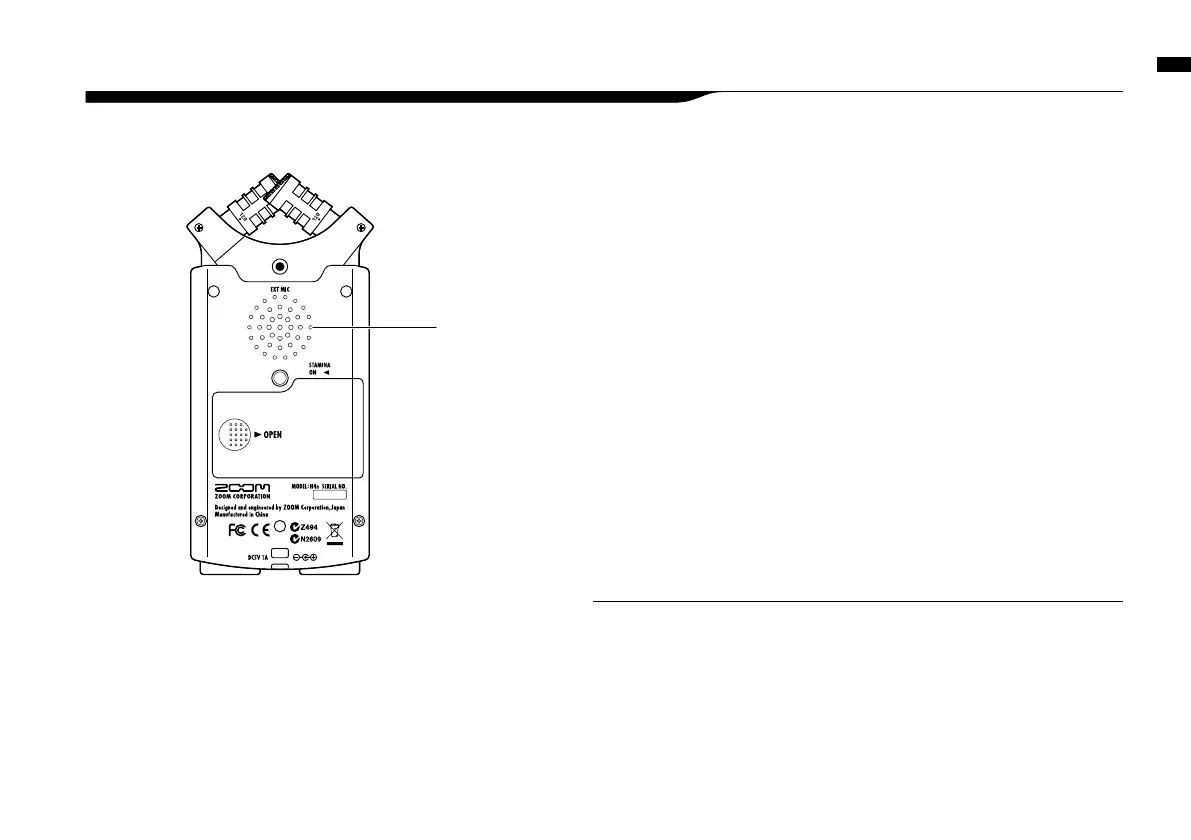
H4n built-in speaker
This is a mono speaker for playback.
Without connecting headphones to
[LINE/PHONE] jack, you can easily
playback the recorded data and listen.
6-7 Setting up: Built-in speaker
The H4n is equipped with a built-in mono speaker.
There is no output when [LINE/
PHONE] jack is plugged in.
When setting is the <MONITOR>,
there is no output of the input signals.
The built-in speaker cannot be used
when recording in standby on MTR
mode.
NOTE:
When you can use this function:
• The FILE playback
• Using as <AUDIO I/F>.
• Nothing connected to the [LINE/
PHONE] jack.
HINT:
Setting up: Built-in speaker



 To Next Page