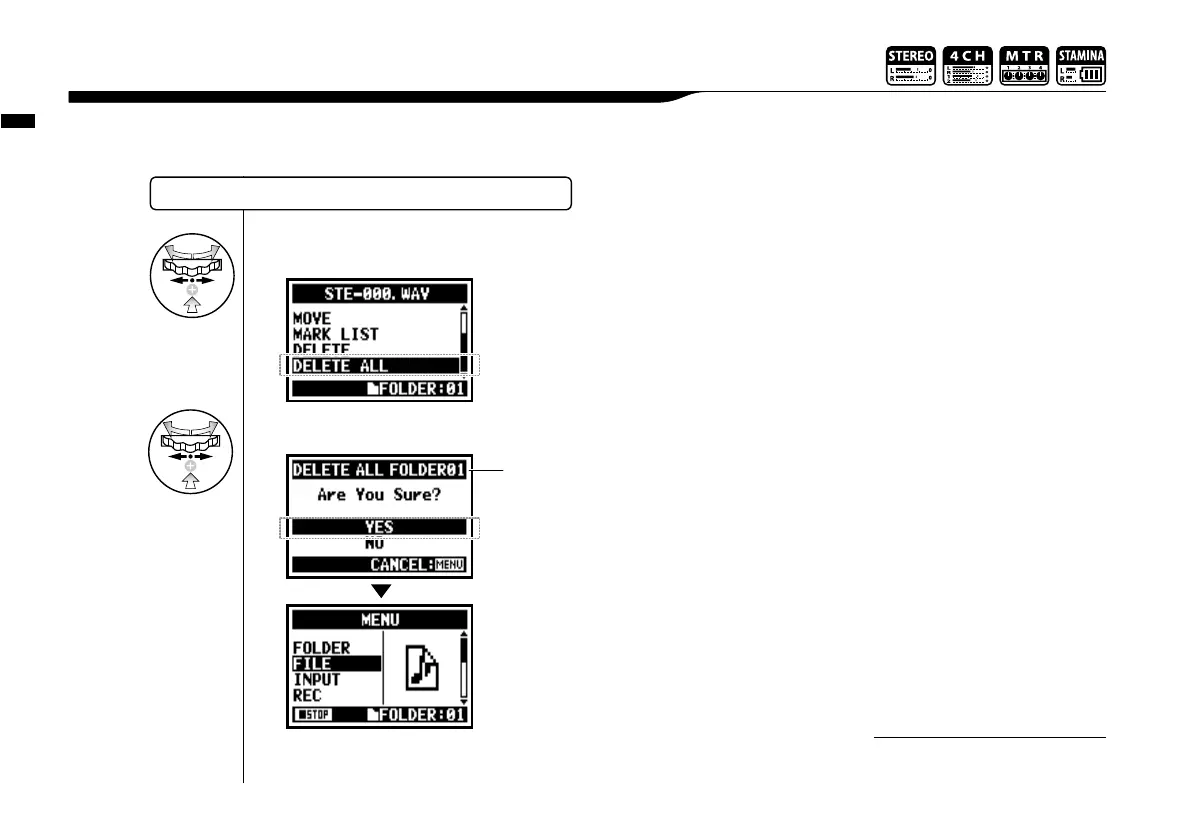
Delete all the files in the folders and projects.
SELECTING THE FILES…P.104 <FILE SELECT>
Once deleted, you cannot retrieve
the file.
NOTE:
Edit / Output : <FILE DELETE ALL>
107
5-05 Edit / Output : <FILE DELETE ALL>
5
Select <YES> and press.
4
Select <DELETE ALL> and press.
The name of the folder or
the project to delete files.



 To Next Page