4-1 Power On and Off, How to use power and hold switch
Power On and Off, How to use power and hold switch
020
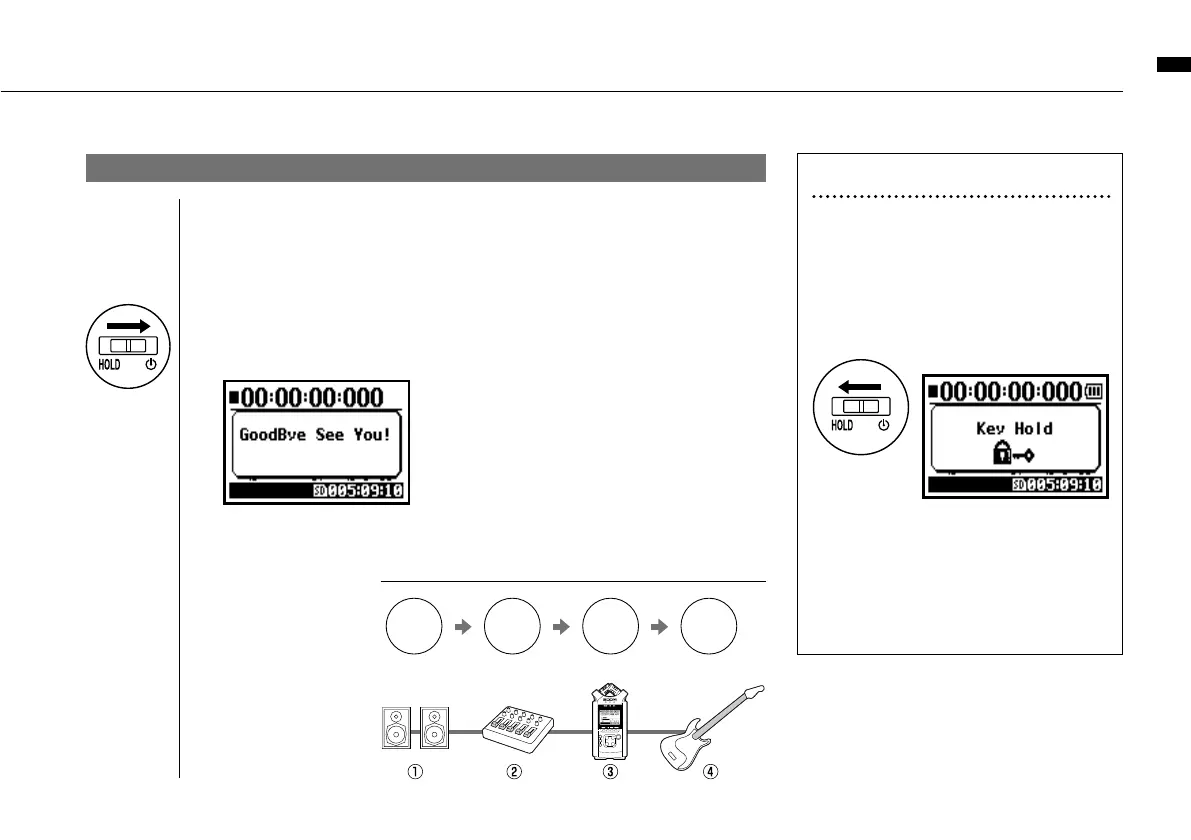
POWER OFF / SHUT DOWN
1
[Preparation]
Turn off monitors first then instruments
2
[Power Off _ Shut down]
Slide the power switch.
HOLD Function
The H4n features a HOLD function to make
any button operation inactive, preventing errors
during recording.
To engage the hold function,
slide switch to hold position.
If you press any button while the HOLD
function is engaged, the screen will display
“Key Hold” for two seconds. To disengage
the HOLD mode, slide power switch out of
hold position.
HINT
Procedure for power off
AMP
OFF
Mixer
OFF
Instruments
OFF
H4n
OFF
* shut down screen
* ‘Key Hold’ display



 To Next Page