Metronome <METRONOME>
080
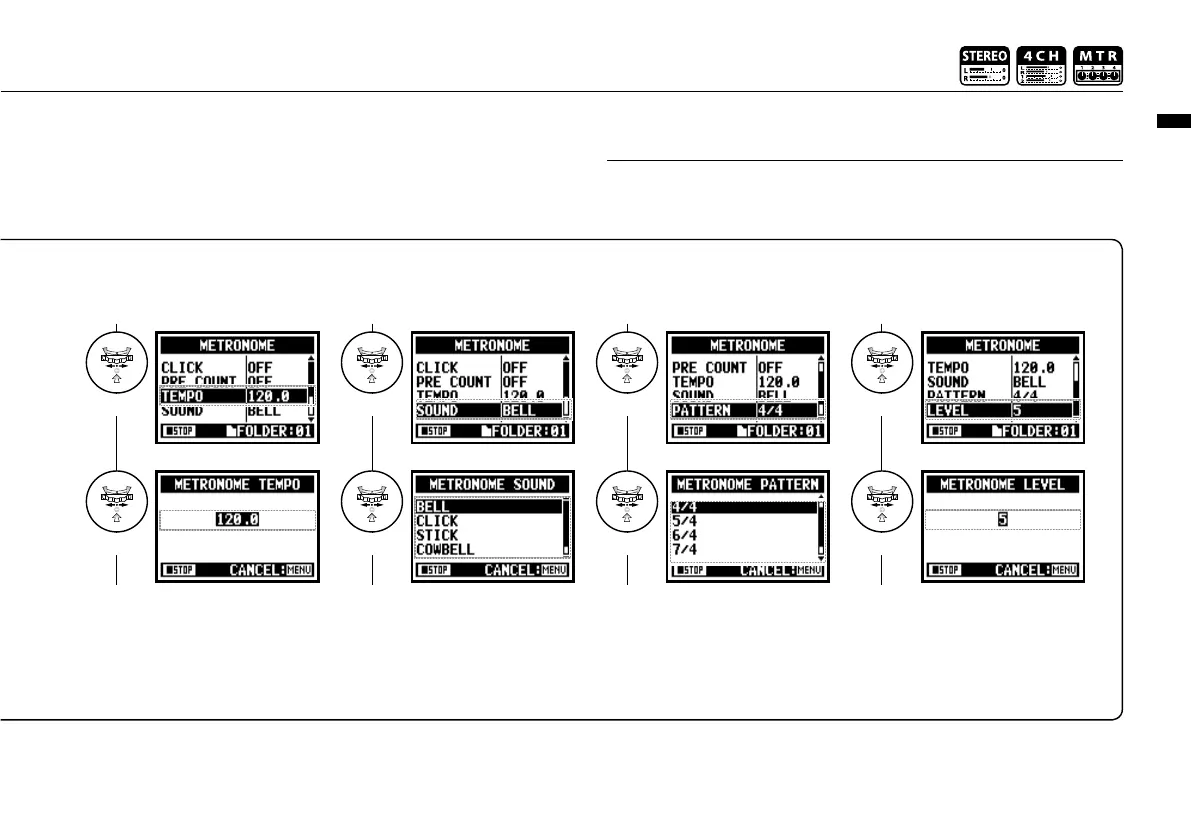
<TEMPO>
Set the metronome speed.
Adjust
Select
default: 120.0.
<SOUND>
Set the metronome tone.
Select
Select
default: bell sound.
<PATTERN>
Set the pattern of the metronome.
Select
Select
default: 4/4.
<LEVEL>
Set for the volume of the metronome.
Select
Select
You can set between 40.0
and 250.0 BPM, per 0.1.
You can select among BELL,
CLICK, STICK, COWBELL
and HI-Q.
You can select among 0/4
(no accent), 1/4_ 8/4, and 6/8.
You can select among eleven
levels.
The metronome starts at the beginning of recording and playback. If you
start in the middle of a song or track, the metronome beats may not be in
sync with the song.
NOTE:



 To Next Page