Configuring Logging 261
Configuring
Logging
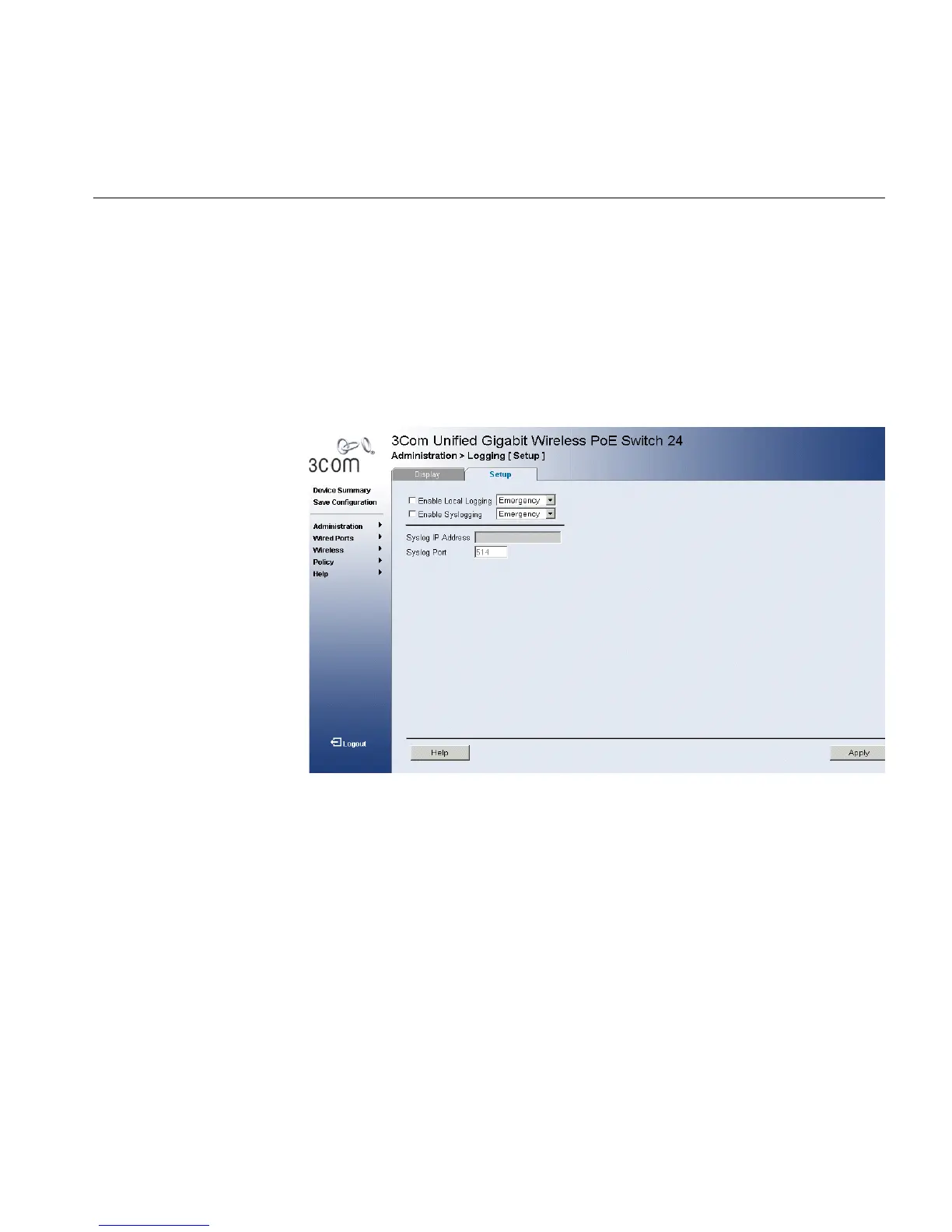
The Logging Setup Page contains fields for defining which events are
recorded to which logs. It contains fields for enabling logs globally, and
parameters for defining logs. Log messages are listed from the highest
severity to the lowest severity level.
To define Log Parameters:
1 Click Administration > Logging > Setup. The Logging Setup Page
opens:
Figure 137 Logging Setup Page
The Logging Setup Page contains the following fields:
■ Enable Local Logging — Indicates if device local logs for Cache, File,
and Server Logs are enabled. Console logs are enabled by default. The
possible field values are:
■ Checked — Enables device logs.
■ Unchecked — Disables device logs.
■ Emergency — The highest warning level. If the device is down or
not functioning properly, an emergency log message is saved to
the specified logging location.
■ Alert — The second highest warning level. An alert log is saved, if
there is a serious device malfunction; for example, all device
features are down.












 To Next Page