92 CHAPTER 3: MANAGING DEVICE SECURITY
Binding ACLs To define ACL Binding:
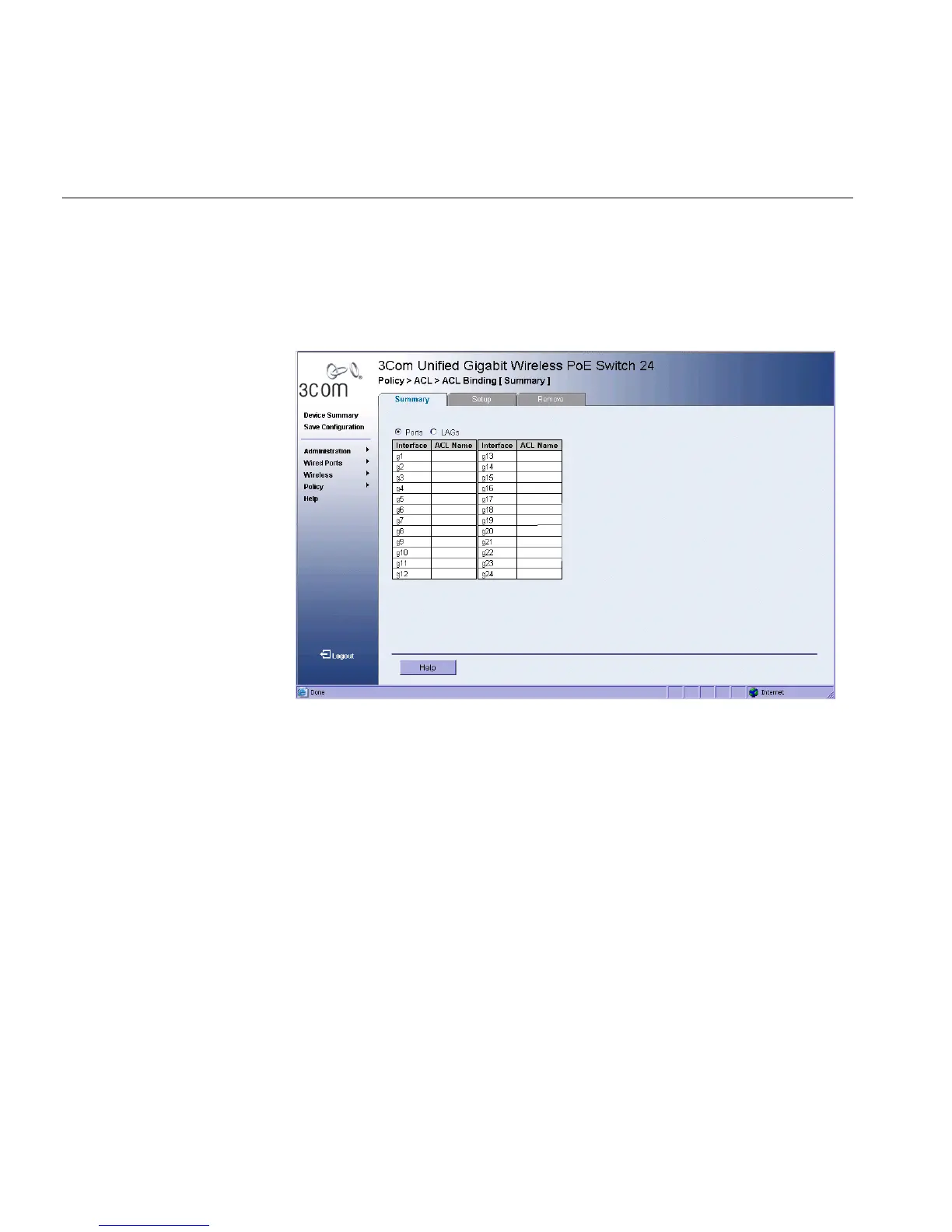
1 Click Policy > ACL > ACL Binding > Binding Summary. The ACL
Binding Summary Page opens:
Figure 48 ACL Binding Summary Page
The ACL Binding Summary Page contains the following fields:
■ Ports — Displays the ACL Port parameters. The possible field values
are:
■ Interface — Displays the port interface for which the ACL
parameters are defined.
■ ACL Name — Contains a list of ACL Names.
■ LAGs — Displays the ACL LAG parameters. The possible field values
are:
■ Interface — Displays the LAG interface for which the ACL
parameters are defined.
■ ACL Name — Contains a list of ACL Names.












 To Next Page