44 CHAPTER 3: MANAGING DEVICE SECURITY
Configuring Password
Management
Network administrators can
define users, passwords, and access levels for
users using the Password Management Interface.
To view Password Management:
1 Click Administration > Authentication > Password Management >
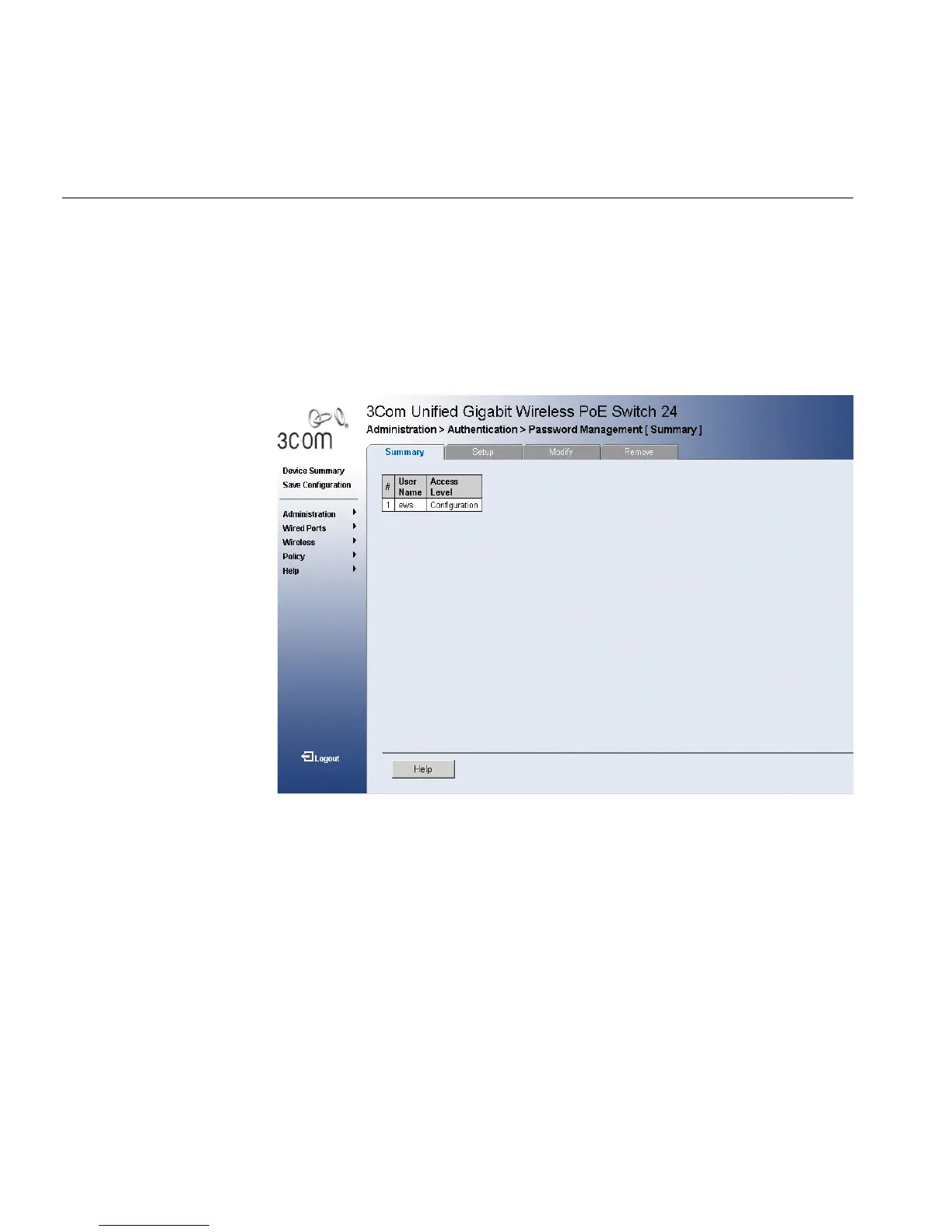
Summary. The Password Management Summary Page opens:
Figure 23 Password Management Summary Page
The Password Management Summary Page contains the following fields:
■ User Name — Displays the user name.
■ Access Level — Displays the user access level. The lowest user access
level is Monitoring and the highest is Configuration.
■ Configuration — Provides the user with read and write access
rights.
■ Monitoring — Provides the user with read access rights.












 To Next Page