298 CHAPTER 15: VIEWING STATISTICS
Removing RMON
Alarms
To delete Alarm Settings:
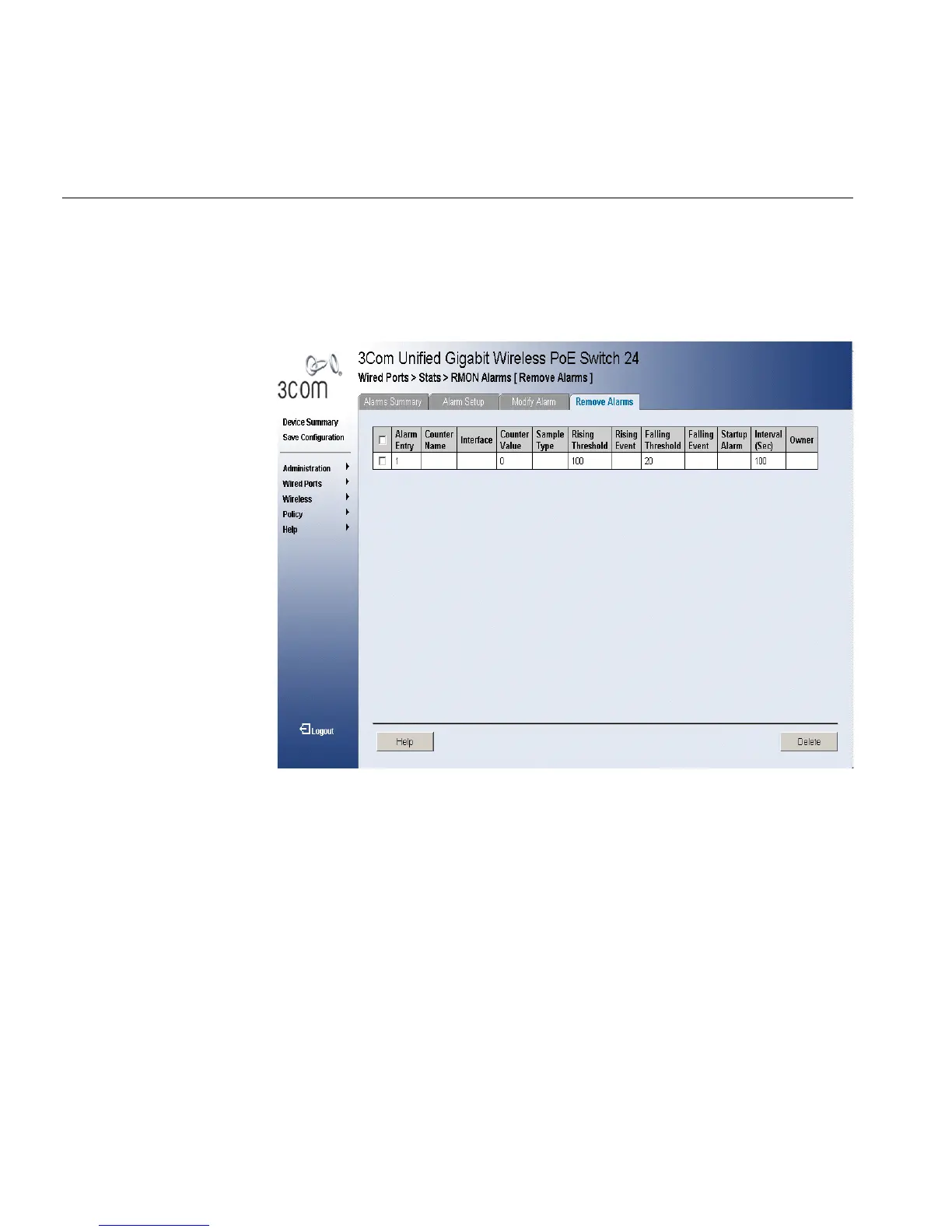
1 Click Wired Ports > Stats > RMON Alarms > Remove Alarms. The
RMON Alarms Remove Alarm Page opens:
Figure 155 RMON Alarms Remove Alarm Page
The RMON Alarms Remove Alarm Page contains the following fields:
■ Remove — Removes a RMON event. The possible field values are:
■ Checked — Removes a selected RMON event.
■ Unchecked — Maintains RMON events.
■ Alarm Entry — Indicates a specific alarm.
■ Counter Name — Displays the selected MIB variable.
■ Interface — Displays interface for which RMON statistics are
displayed. The possible field values are:
■ Port — Displays the RMON statistics for the selected port.
■ LAG — Displays the RMON statistics for the selected LAG.
■ Counter Value — Displays the selected MIB variable value.












 To Next Page