Modifying Rapid Spanning Tree Settings 229
Modifying Rapid
Spanning Tree
Settings
To modify Rapid STP:
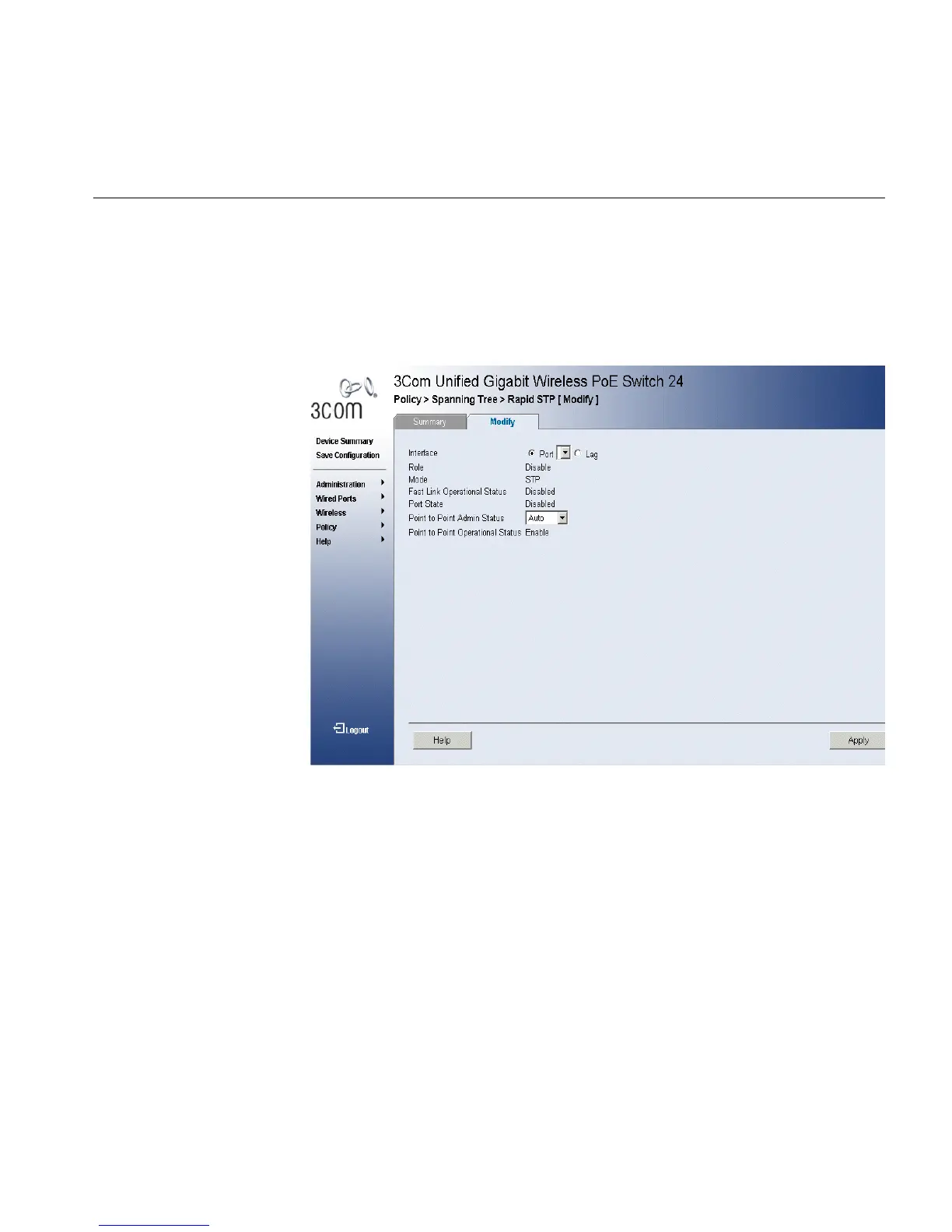
1 Click Policy > Spanning Tree > Rapid STP > Modify. The RSTP
Summary Page opens:
Figure 118 Rapid STP Modify Page
The Rapid STP Modify Page contains the following fields:
■ Interface — Displays the port or LAG on which Rapid STP is enabled.
■ Role — Displays the port role assigned by the STP algorithm to
provide to STP paths. The possible field values are:
■ Root — Provides the lowest cost path to forward packets to the
root switch.
■ Designated — The port or LAG through which the designated
switch is attached to the LAN.
■ Alternate — Provides an alternate path to the root switch from the
root interface. .
■ Backup — Provides a backup path to the designated port path
toward the Spanning Tree leaves. Backup ports occur only when












 To Next Page