98 CHAPTER 4: MANAGING SYSTEM INFORMATION
Configuring
Country Codes
Defines the country code by which WLAN settings are set. For the
complete list of country codes and settings, see WLAN Country Settings.
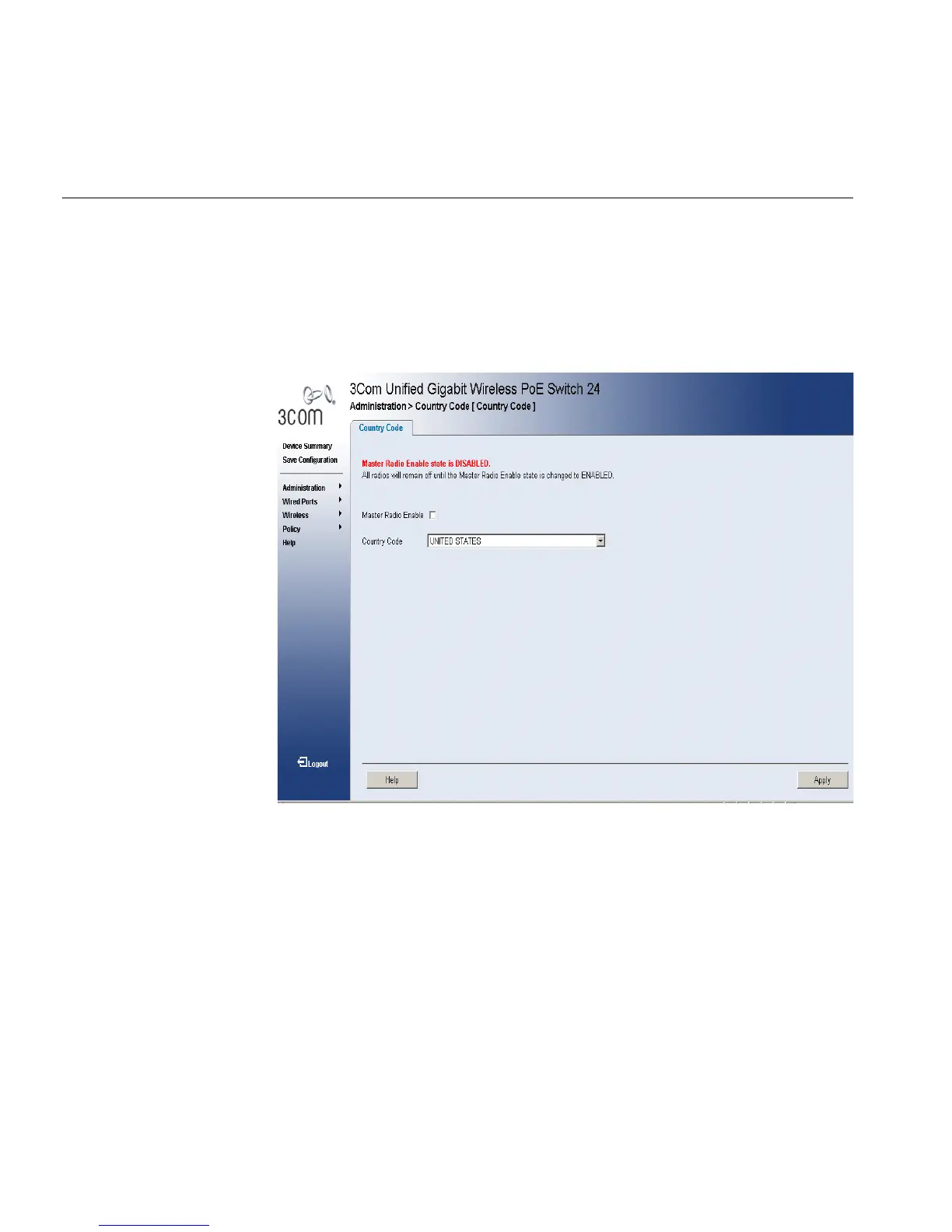
To configure the Country Code:
1 Click Administration > Country Code. The Country Codes Page opens:
Figure 51 Country Codes Page
The Country Codes Page contains the following fields:
■ Master Radio Enable — Enables the master radio.
■ Country Code — Displays a list of country codes.
The following are the possible country code settings:












 To Next Page