198 CHAPTER 9: CONFIGURING IP INFORMATION
Configuring
Address Tables
MAC addresses are stored in either the Static Address or the Dynamic
Address databases. A packet addressed to a destination stored in one of
the databases is forwarded immediately to the port. The Dynamic
Address Table can be sorted by interface, VLAN, and MAC Address. MAC
addresses are dynamically learned as packets from sources arrive at the
device . Addresses are associated with ports by learning the ports from
the frames source address. Frames addressed to a destination MAC
address that is not associated with any port, are flooded to all ports of the
relevant VLAN. Static addresses are manually configured. In order to
prevent the bridging table from overflowing, dynamic MAC addresses,
from which no traffic is seen for a certain period, are erased.
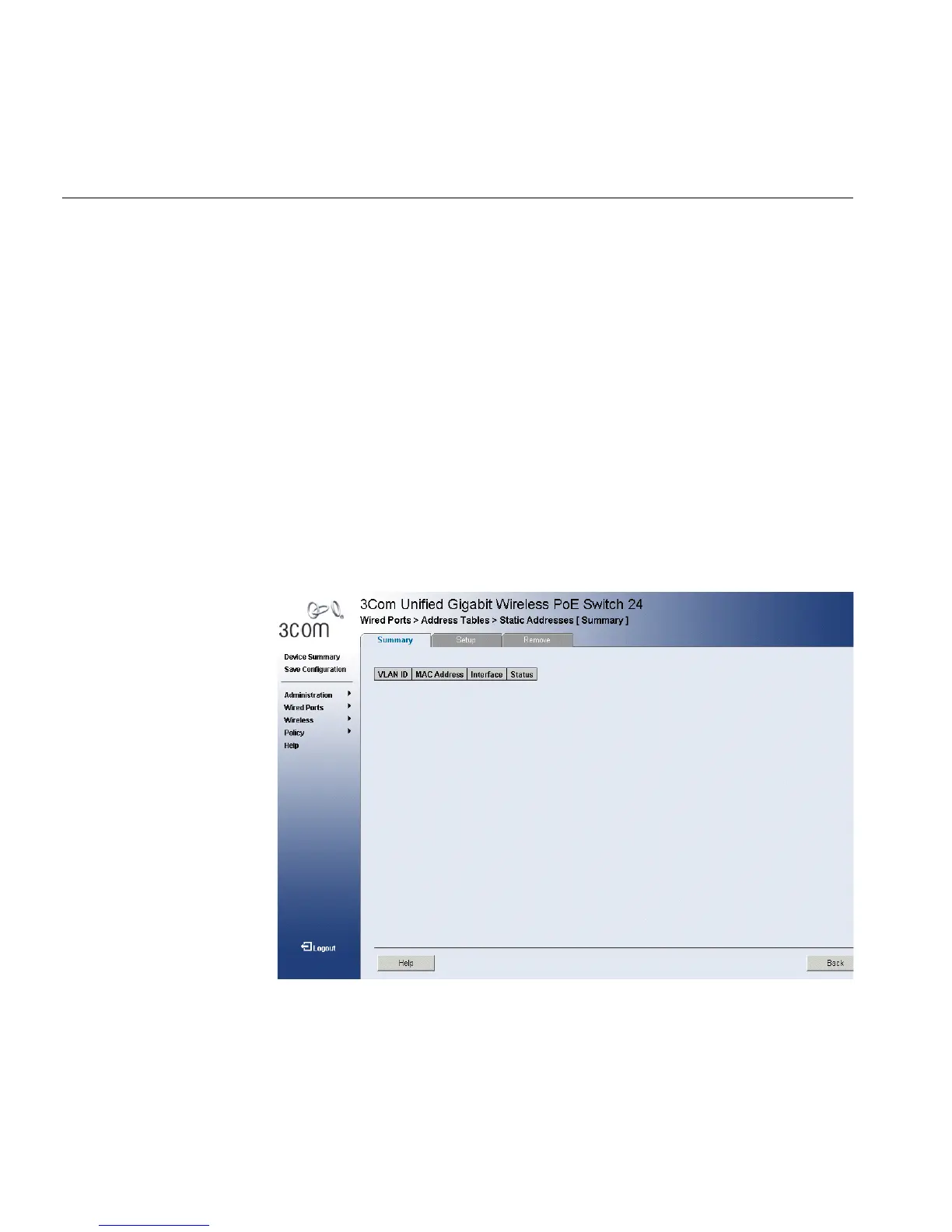
1 Click Wired Ports>Address Tables > Static Addresses. The Port
Settings Setup Page opens:
Figure 102 Static Addresses Summary Page
The Static Addresses Summary Page contains the following fields:
■ VLAN ID — Displays the VLAN ID.
■ MAC Address — Displays the static MAC address.
■ Interface — Displays the interface.












 To Next Page