22 CHAPTER 2: GETTING STARTED
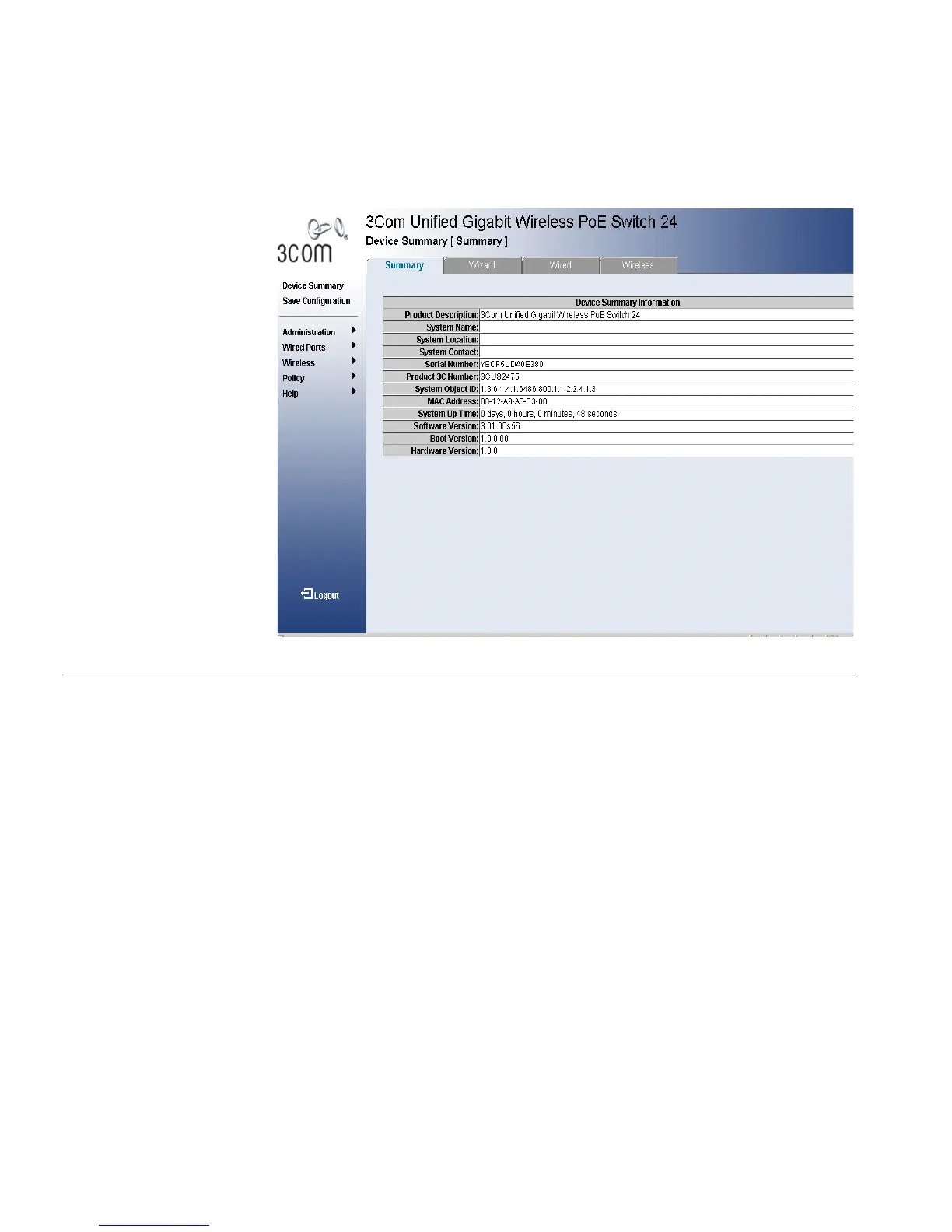
Figure 7 3Com Embedded Web Interface Home Page
Understanding the
3Com Embedded
Web Interface
The 3Com Embedded Web Interface Home Page contains the following
views:
■ Tab V iew — Tab Area provides the device summary configuration
located at the top of the home page, the tab view contains a Setup
Wizard and the Summary, Wired and Wireless configuration views.
■ Tree View — Tree View provides easy navigation through the
configurable device features. The main branches expand to display the
sub-features.
■ Port LED Indicators — Located under the Wired Tab at the top of the
home page, the port LED indicators provide a visual representation of
the ports on the front panel.












 To Next Page