Removing RMON History Entries 279
Removing RMON
History Entries
To delete RMON History:
1 Click Wired Ports > Stats > RMON History > Remove Control. The
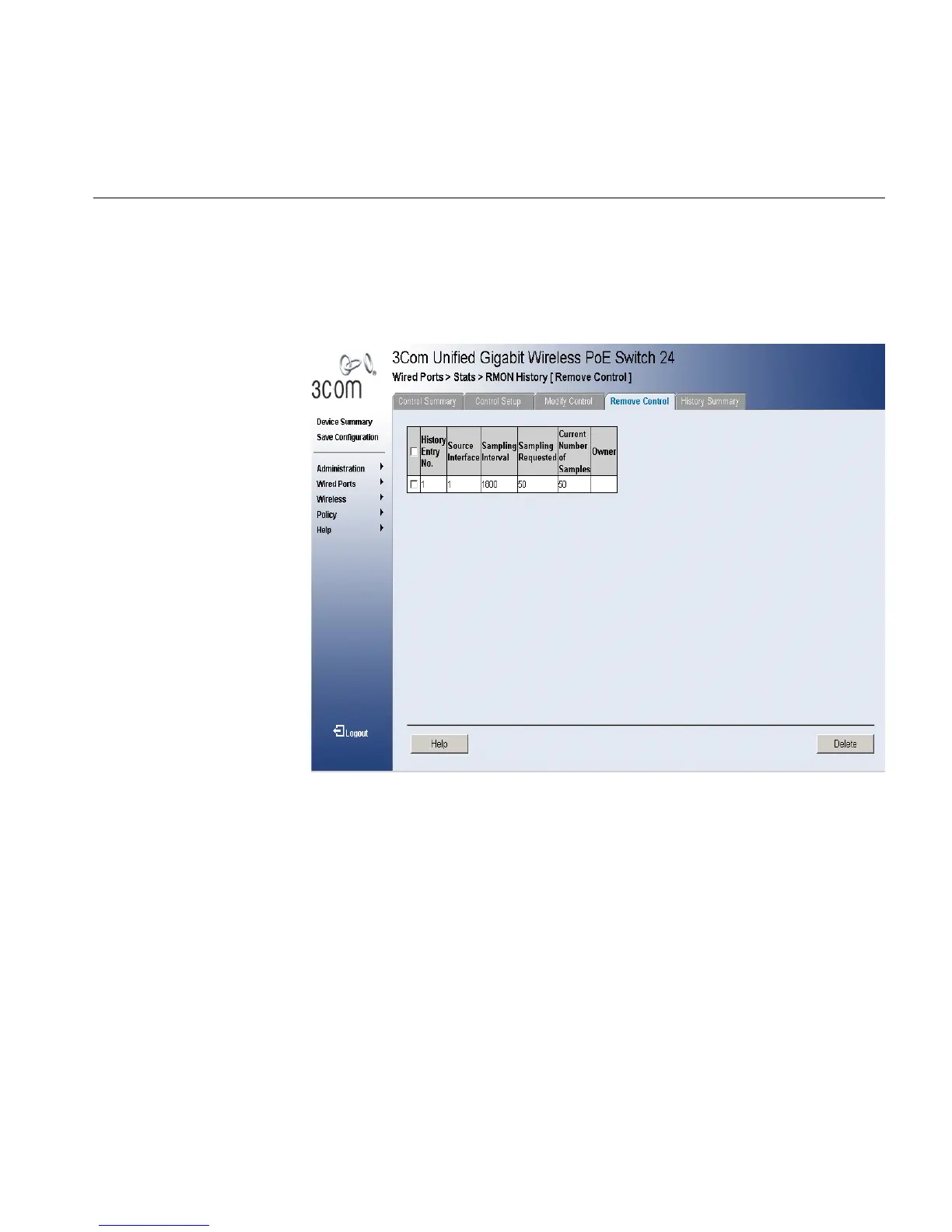
RMON History Remove Control Page opens:
Figure 145 RMON History Remove Control Page
The RMON History Remove Control Page contains the following fields:
■ Remove — Removes a RMON event. The possible field values are:
■ Checked — Removes a selected RMON event.
■ Unchecked — Maintains RMON events.
■ History Entry No. — Displays the entry number for the History
Control Table page.
■ Source Interface — Displays the interface from which the history
samples were taken. The possible field values are:
■ Port — Specifies the port from which the RMON information was
taken.












 To Next Page