Defining Multicast Groups 209
Defining Multicast
Groups
The Multicast Group Summary Page displays the ports and LAGs attached
to the Multicast service group in the Ports and LAGs tables. The Port and
LAG tables also reflect the manner in which the port or LAGs joined the
Multicast group. Ports can be added either to existing groups or to new
Multicast service groups. The Multicast Group Summary Page permits
new Multicast service groups to be created. The Multicast Group
Summary Page also assigns ports to a specific Multicast service address
group.
To view Multicast Groups:
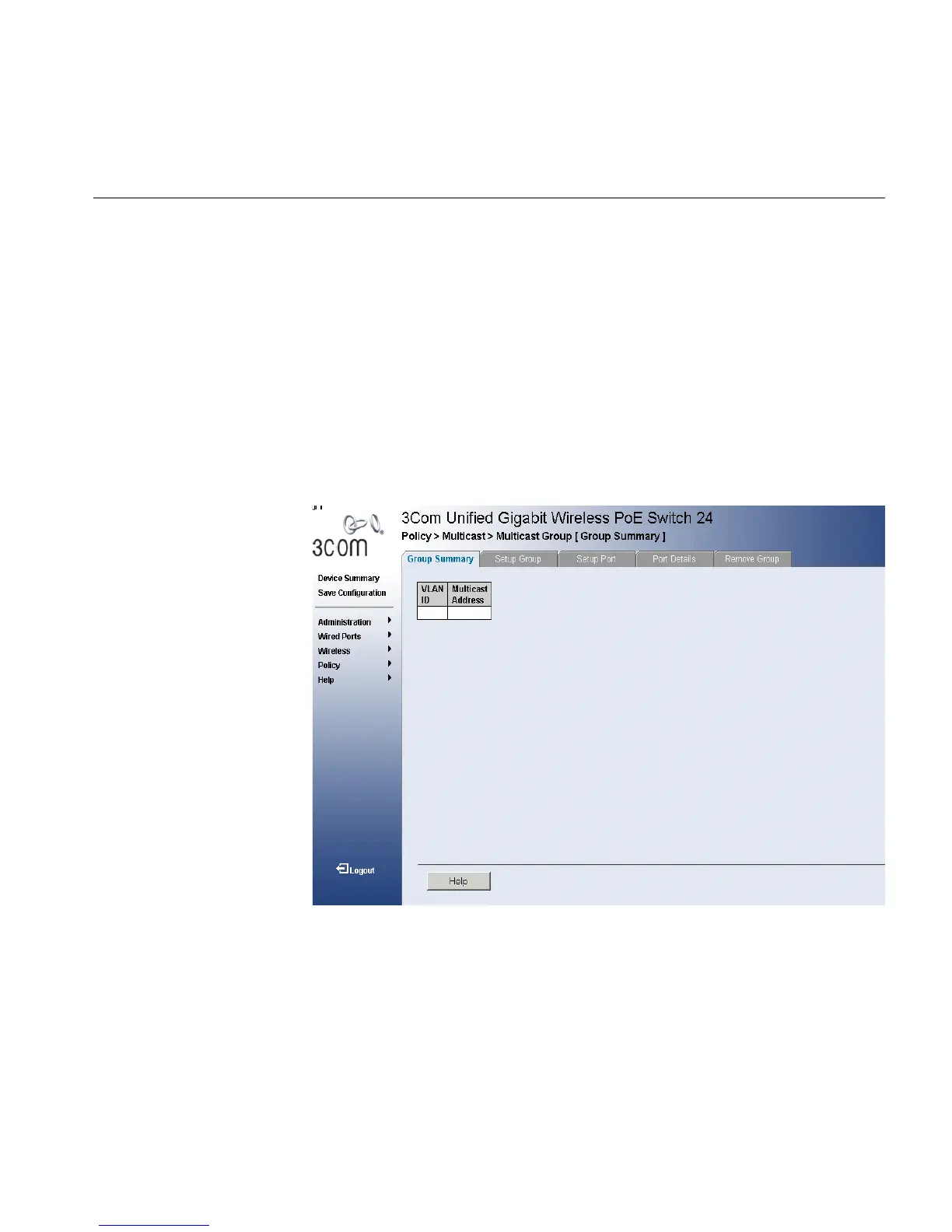
1 Click Policy > Multicast > Multicast Group > Group Summary. The
Multicast Group Summary Page opens:
Figure 107 Multicast Group Summary Page
The Multicast Group Summary Page contains the following information:
■ VLAN ID — Identifies a VLAN and contains information about the
Multicast group address.
■ Multicast Address — Identifies the Multicast group MAC address/IP
address.












 To Next Page