Defining Port Settings 119
Defining Port
Settings
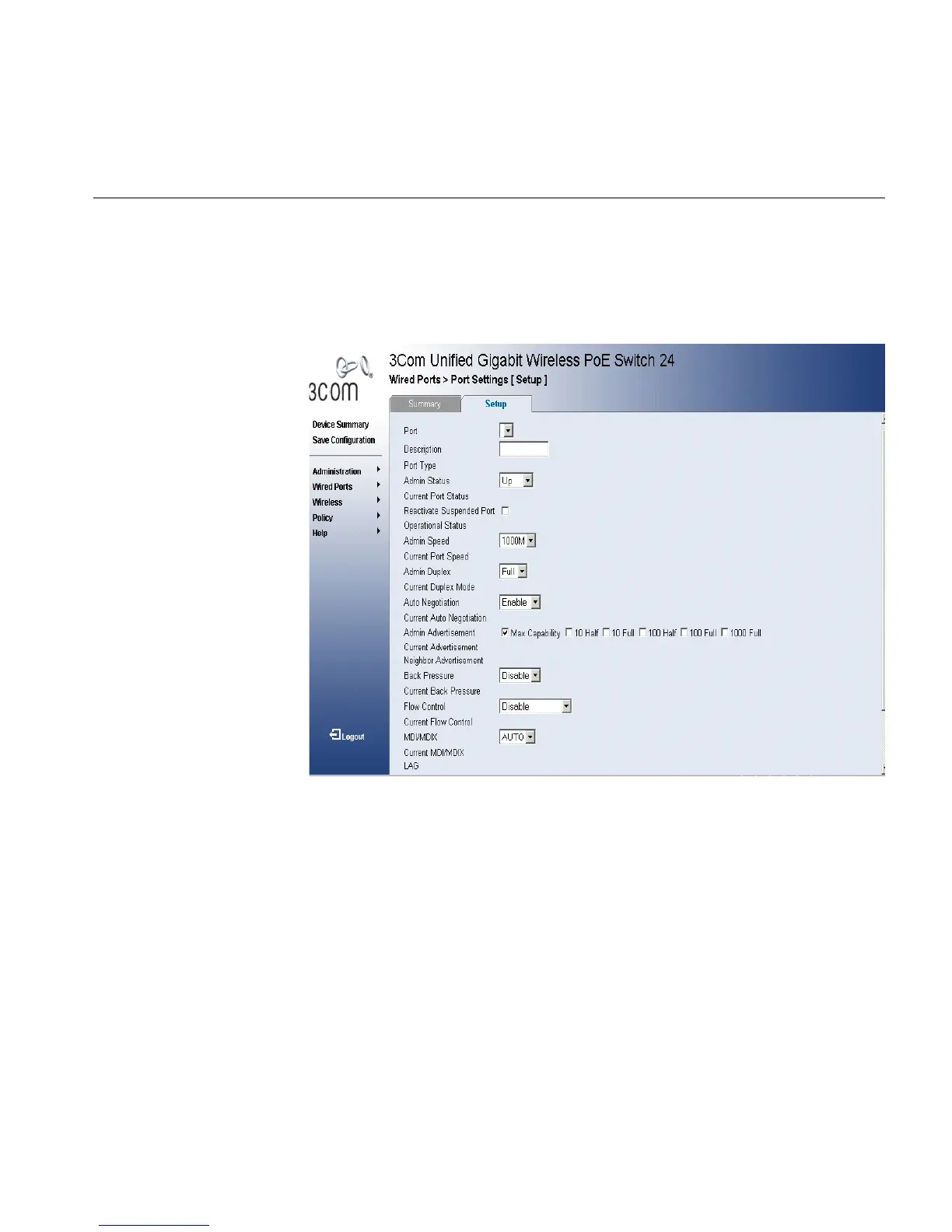
The Port Settings Setup Page allows network managers to configure port
parameters for specific ports. To configure Port Settings:
1 Click Wired Ports> Port Settings > Setup. The Port Settings Setup Page
opens:
Figure 56 Port Settings Setup Page
The Port Settings Setup Page contains the following fields:
■ Port — Indicates the selected port number.
■ Description — Displays a port description.
■ Port Type — Indicates the type of the port.
■ Admin Status — Indicates whether the port is currently operational
or non-operational. The possible field values are:
■ Up — Indicates the port is currently operating.
■ Down — Indicates the port is currently not operating.
■ Current Port Status — Displays current port status.
■ Reactivate Suspended Port — Reactivates a port if the port has
been disabled through the locked port security option.












 To Next Page