250 CHAPTER 12: CONFIGURING QUALITY OF SERVICE
Defining Queues The Queue Setup Page contains fields for defining the QoS queue
forwarding types.
To set Queue Settings:
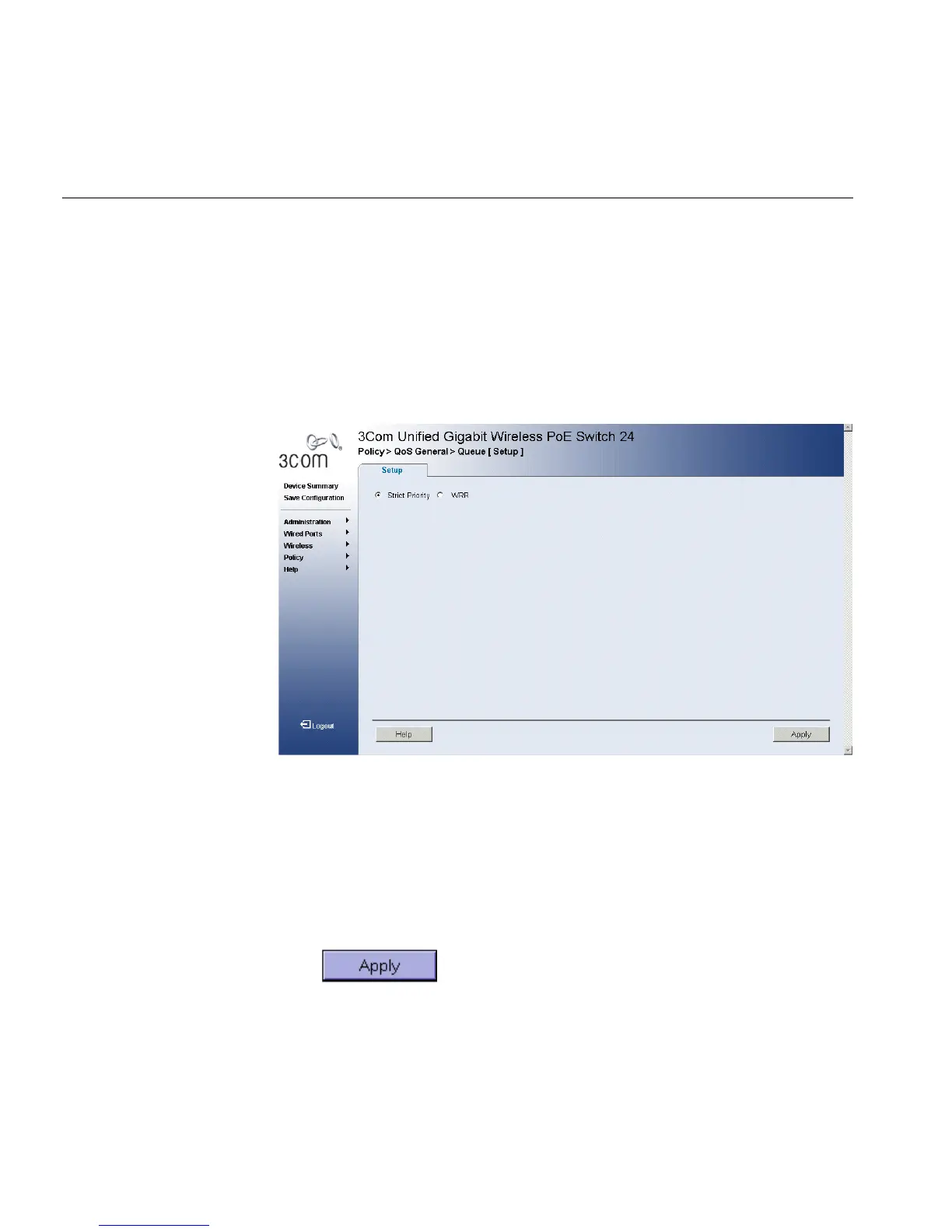
1 Click Policy > QoS General > Queue > Setup. The Queue Setup Page
opens:
Figure 129 Queue Setup Page
The Queue Setup Page contains the following fields:
■ Strict Priority — Specifies whether traffic scheduling is based strictly
on the queue priority.
■ WRR — Assigns WRR weights to queues. This field is enabled only for
queues in WRR queue mode. When WRR is selected, the weight are
assigned to queues in the ratio 1:2:4:8.
2 Select the Strict Priority or WRR field.
3 Click . The queue settings are set, and the device is
updated.












 To Next Page