48 CHAPTER 3: MANAGING DEVICE SECURITY
Defining RADIUS
Authentication
Remote Authorization Dial-In User Service (RADIUS) servers provide
additional security for networks. RADIUS servers provide a centralized
authentication method for web access.
The default parameters are user-defined, and are applied to newly
defined RADIUS servers. If new default parameters are not defined, the
system default values are applied to newly defined RADIUS servers.
To configure RADIUS Servers:
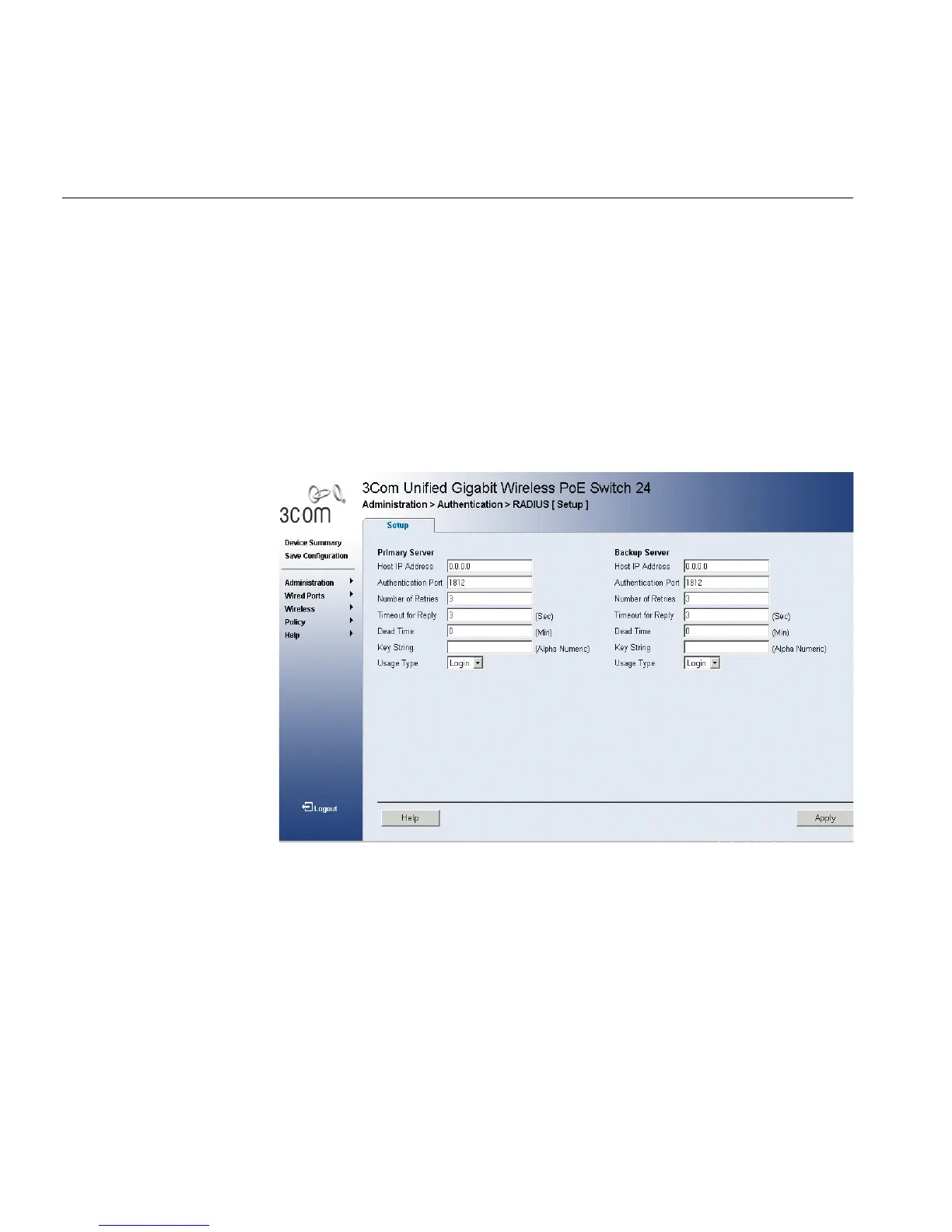
1 Click Administration > Authentication > RADIUS > Setup. The Radius
Authentication Setup Page opens:
Figure 27 Radius Authentication Setup Page
The Radius Authentication Setup Page contains the following fields:
■ Primary Server — Defines the RADIUS Primary Server authentication
fields.
■ Backup Server — Defines the RADIUS Backup Server authentication
fields.
■ Host IP Address — Defines the RADIUS Server IP address.
■ Authentication Port — Identifies the authentication port. The
authentication port is used to verify the RADIUS server authentication.
The authenticated port default is 1812.












 To Next Page