Configuring Password Management 47
To remove Password Management:
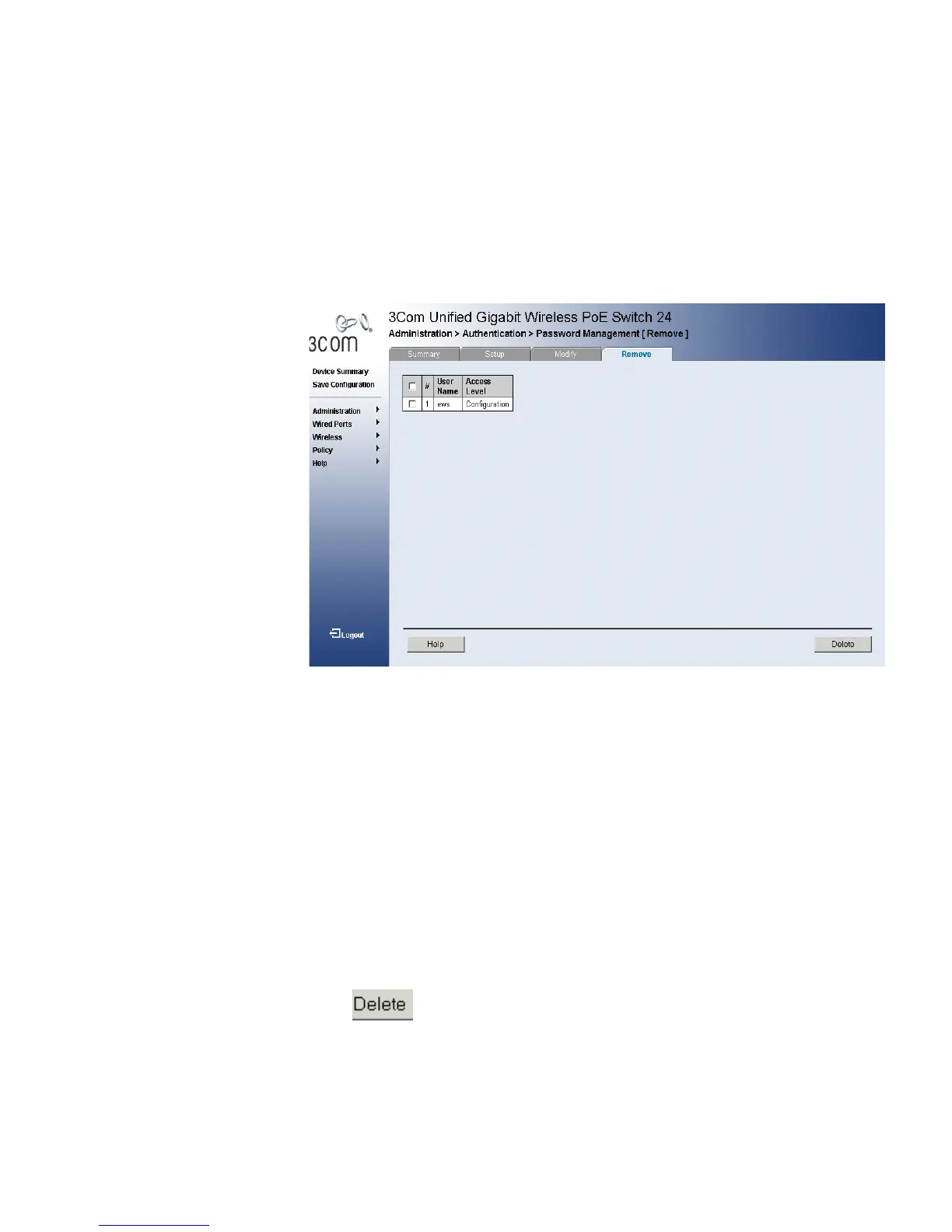
1 Click Administration > Authentication > Password Management >
Remove. The Password Management Remove Page opens:
Figure 26 Password Management Remove Page
The Password Management Remove Page contains the following fields:
■ Remove — Removes the user from the User Name list. The possible
field values are:
■ Checked — Removes the selected local user.
■ Unchecked — Maintains the local users.
■ User Name — Displays the user name.
■ Access Level — Displays the user access level. The lowest user access
level is Monitoring and the highest is Configuration.
■ Configuration — Provides users read and write access rights.
■ Monitoring — Provides users read access rights.
2 Select a User to be deleted.
3 Click . The User is deleted, and the device is updated.












 To Next Page