Defining WLAN Power Settings 189
Defining WLAN
Power Settings
The WLAN Radio Power Settings Page allows network managers to
define WLAN radio power settings.
To define WLAN radio power settings:
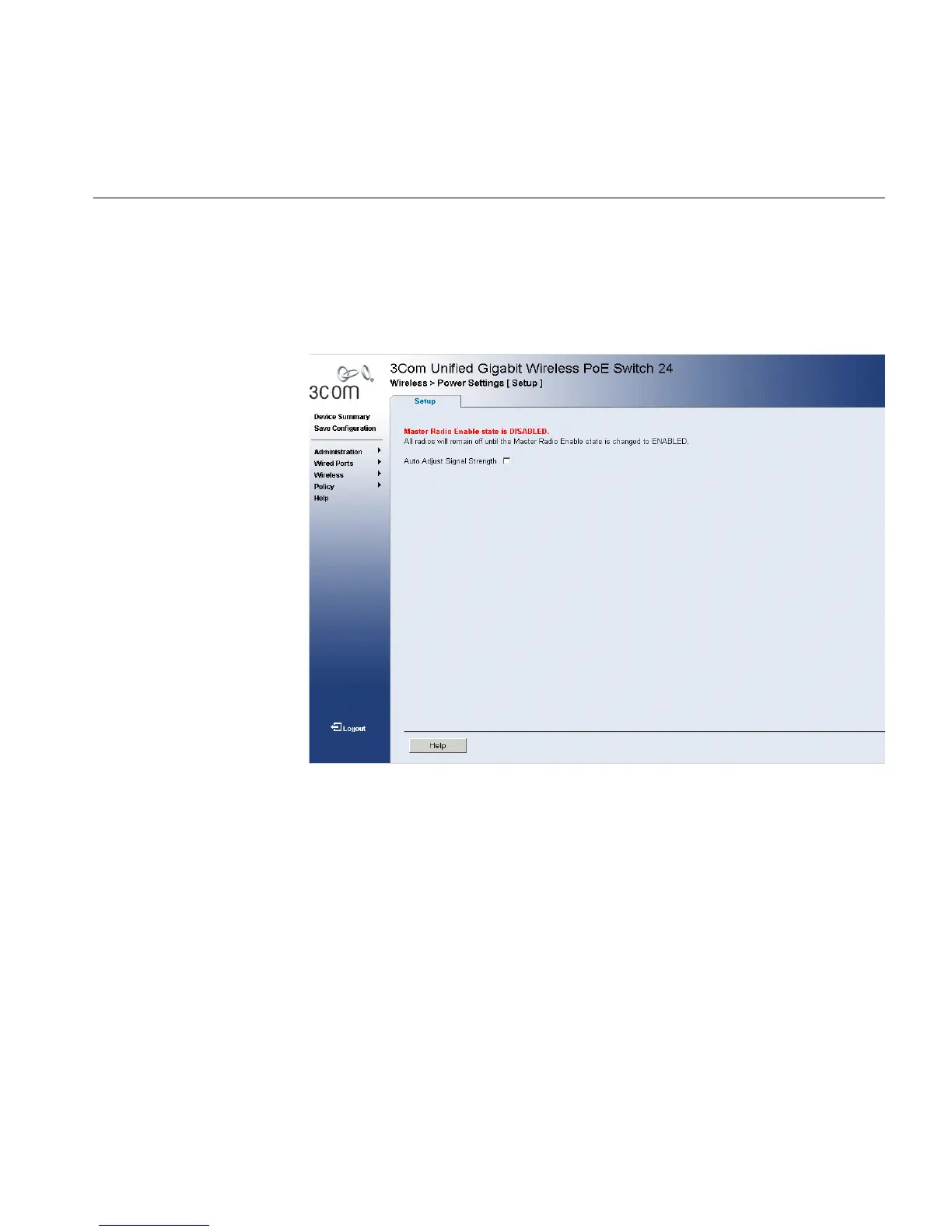
1 Click Wireless > Power Settings. The WLAN Radio Power Settings Page
opens:
Figure 97 WLAN Radio Power Settings Page
The WLAN Radio Power Settings Page contains the following fields:
■ Auto Adjust Signal Strength — Enables adjusting the target signal
strength received by closest access point. The possible field values are:
■ Checked — Enables automatic signal adjustments.
■ Unchecked — Disables automatic signal adjustments.












 To Next Page