Configuring RMON Event Control 285
Configuring RMON
Event Control
To configure RMON Event Control:
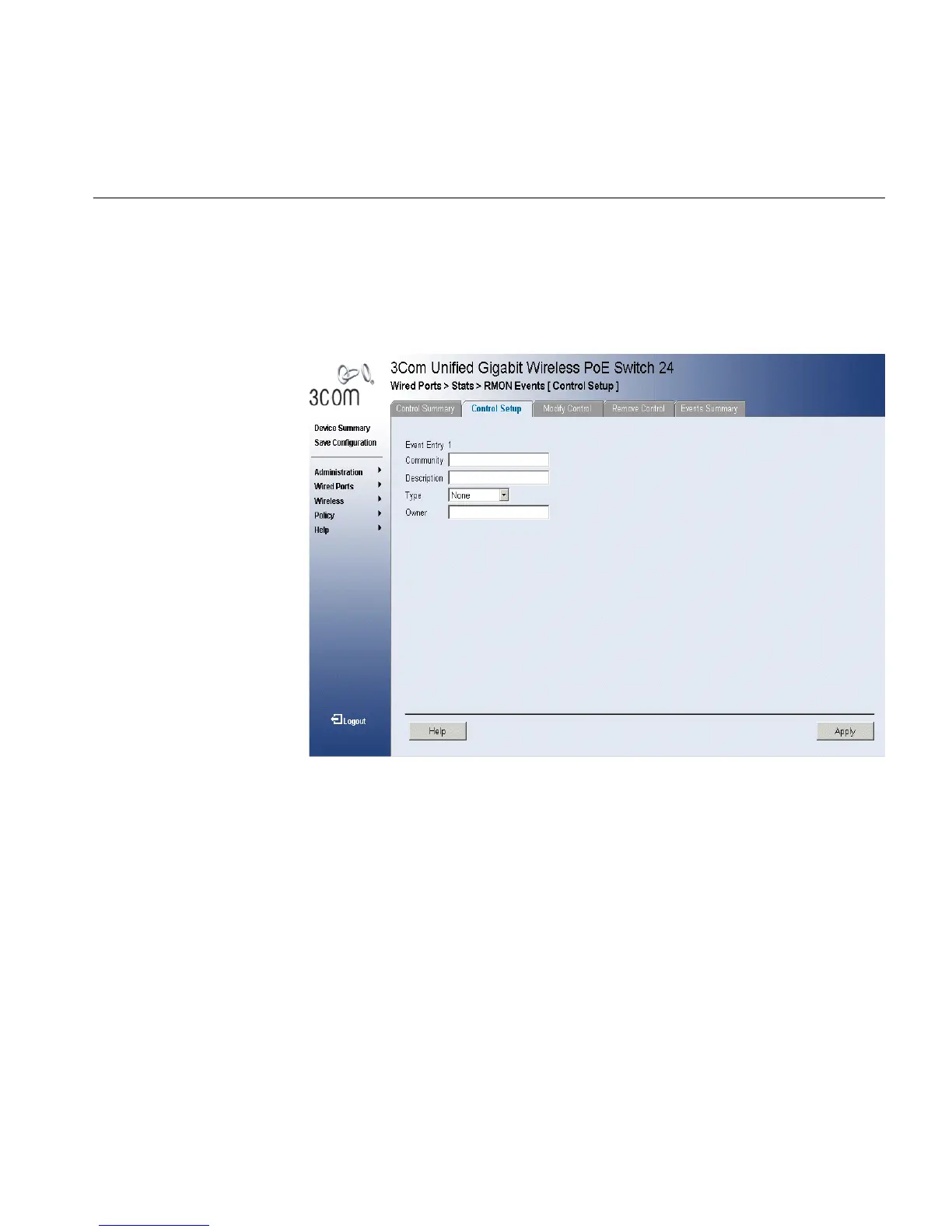
1 Click Wired Ports > Stats > RMON Events > Control Setup. The
RMON Events Control Setup Page opens:
Figure 148 RMON Events Control Setup Page
The RMON Events Control Setup Page contains the following fields:
■ Event Entry — Displays the event.
■ Community — Displays the community to which the event belongs.
■ Description — Displays the user-defined event description.
■ Type — Describes the event type. Possible values are:
■ Log — Indicates that the event is a log entry.
■ Trap — Indicates that the event is a trap.
■ Log and Trap — Indicates that the event is both a log entry and a
trap.
■ None — Indicates that no event occurred.
■ Owner — Displays the device or user that defined the event.
2 Define the fields.












 To Next Page