Restoring Factory Defaults 31
To reset the device:
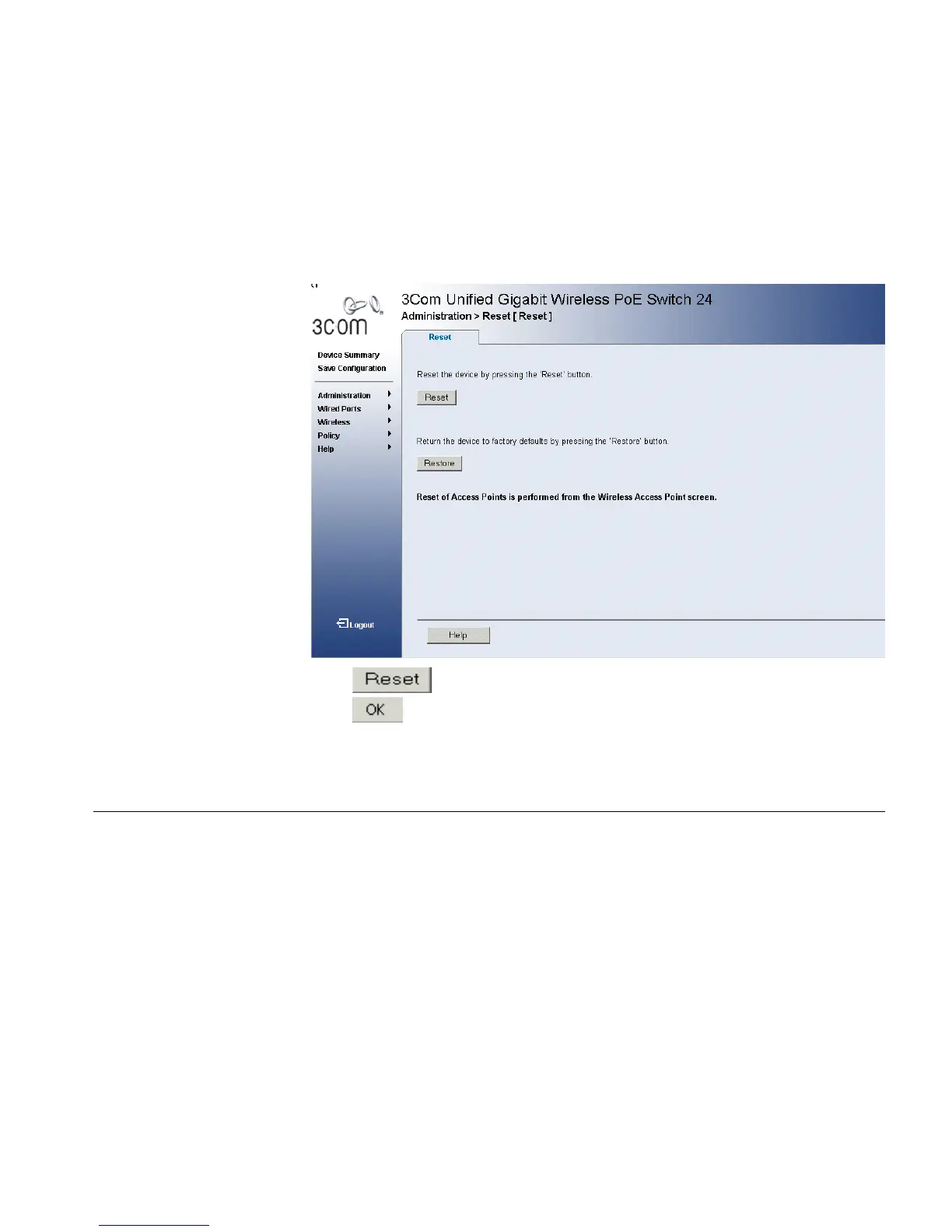
1 Click Administration > Reset. The Reset page opens:
Figure 15 Reset Page
2 Click . A confirmation message is displayed.
3 Click . The device is reset, and a prompt for a user name and
password is displayed.
4 Enter a user name and password to reconnect to the web interface.
Restoring Factory
Defaults
The Restore option appears on the Reset page. The Restore option
restores device factory defaults.












 To Next Page