30 CHAPTER 2: GETTING STARTED
Saving the
Configuration
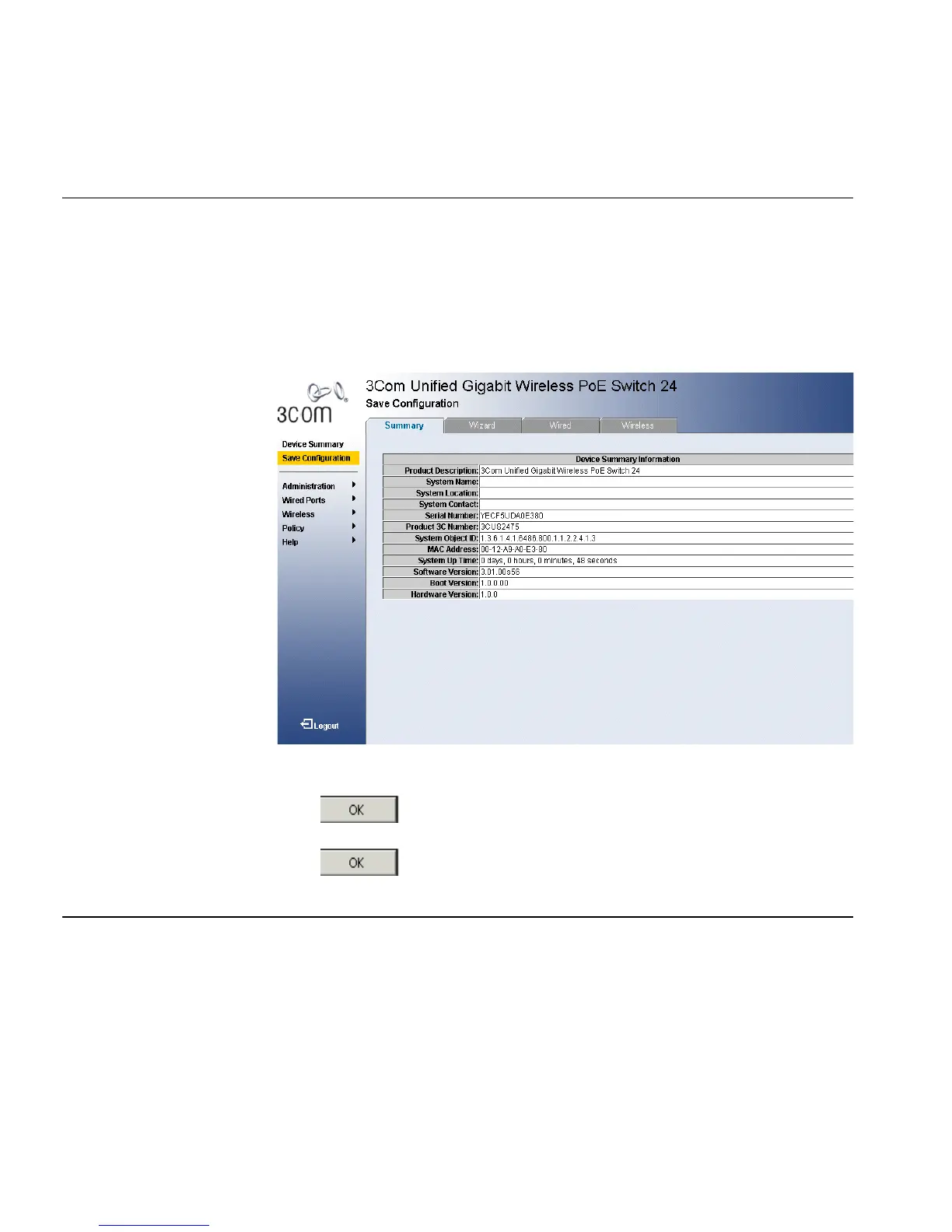
The Save Configuration tab allows the latest configuration to be saved to
the flash memory.
To save the device configuration:
1 Click Save Configuration. The Save Configuration Page opens:
Figure 14 Save Configuration Page
A message appears: The operation will save your configuration. Do you
wish to continue?
2 Click . A Configuration is saved to flash memory successful
message appears.
3 Click . The configuration is saved.
Resetting the
Device
The Reset page enables resetting the device from a remote location.
To prevent the current configuration from being lost, save all changes
from the running configuration file to the startup configuration file
before resetting the device.












 To Next Page