Configuring System Name 107
Configuring System
Name
To configure the System Name:
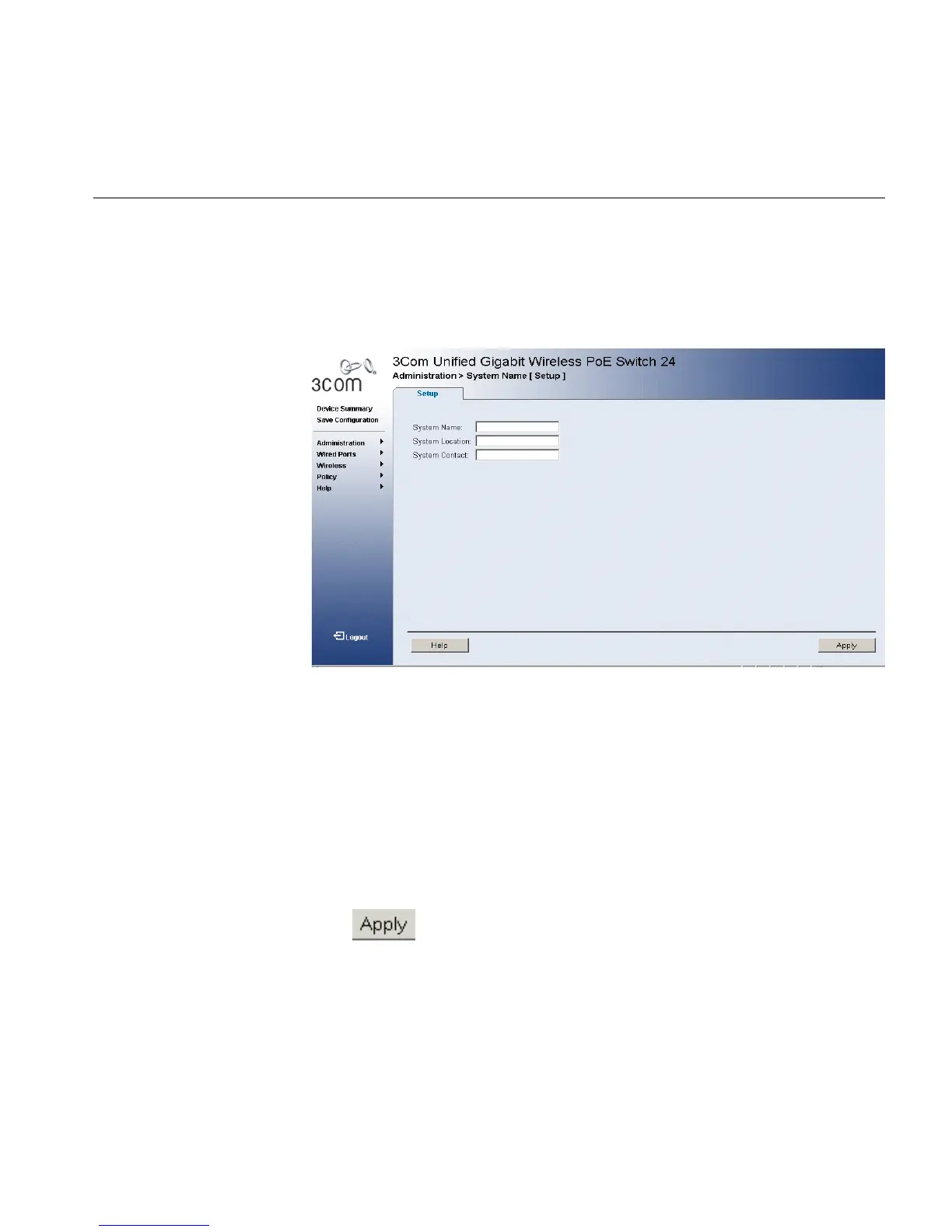
1 Click Administration > System Name > Setup. The System Name
Setup Page opens:
Figure 52 System Name Setup Page
The System Name Setup Page includes the following fields:
■ System Name — Defines the user-defined device name. The field
range is 0-160 characters.
■ System Location — Defines the location where the system is
currently running. The field range is 0-160 characters.
■ System Contact — Defines the name of the contact person. The field
range is 0-160 characters.
2 Define the fields.
3 Click . The System Name is enabled, and the device is updated.












 To Next Page