76 CHAPTER 3: MANAGING DEVICE SECURITY
Configuring ACLs
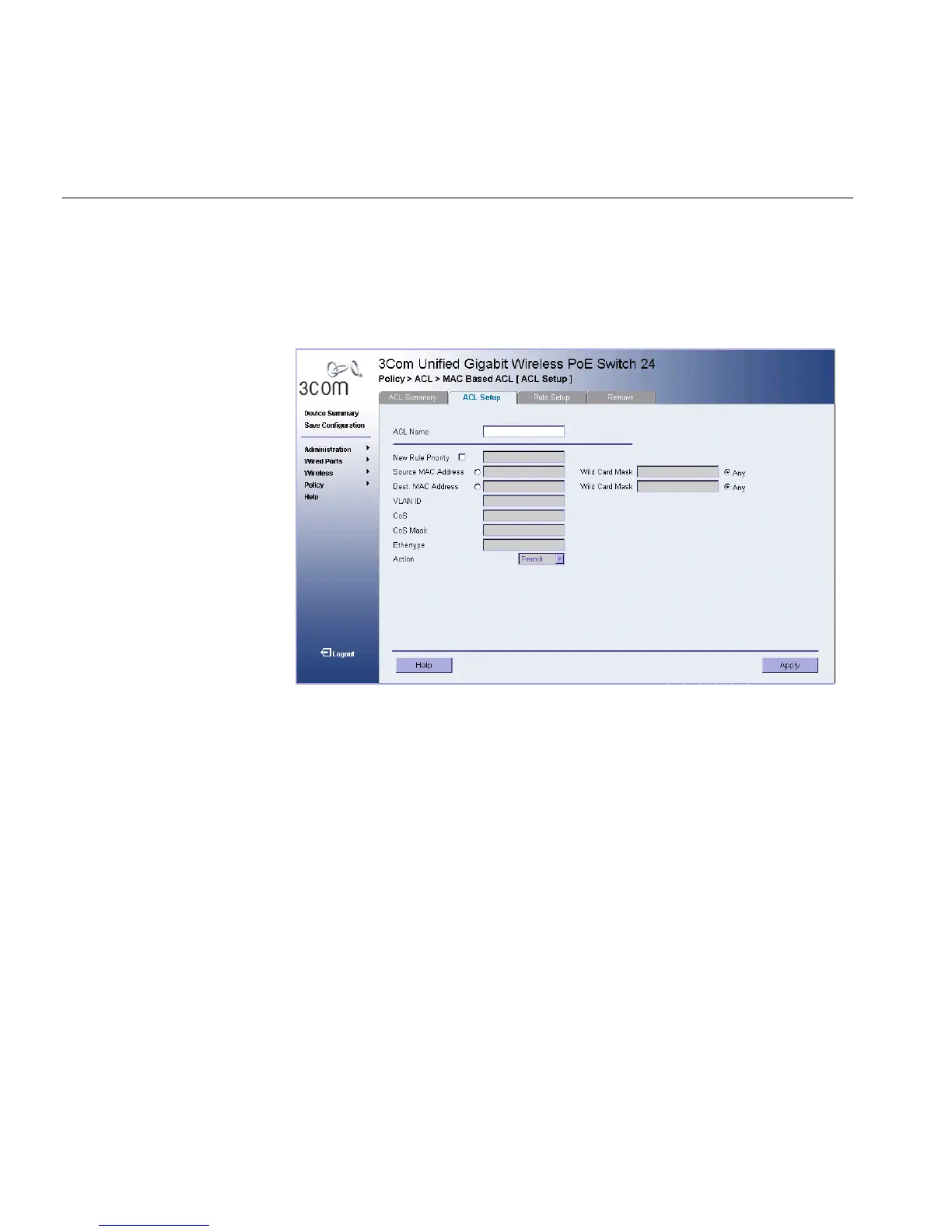
1 Click Policy > ACL > MAC Based ACL > ACL Setup. The ACL Setup
Page opens:
Figure 41 ACL Setup Page
The ACL Setup Page contains the following fields:
■ ACL Name — Contains a list of the MAC-based ACLs.
■ New Rule Priority — Defines the rule priority. When the packet is
matched to a rule, user groups are either granted permission or
denied device management access. The rule number is essential to
matching packets to rules, as packets are matched on a first-fit basis.
■ Source Address — Indicates the source MAC address.
■ Source Wild Card Mask — Indicates the source MAC Address wild
card mask. Wild cards are used to mask all or part of a source MAC
address. Wild card masks specify which bits are used and which are
ignored. A wild card mask of FF:FF:FF:FF:FF:FF indicates that no bit is
important. A wildcard of 00.00.00.00.00.00.00 indicates that all bits
are important. For example, if the source MAC address is
E0:3B:4A:C2:CA:E2 and the wildcard mask is 00:3B:4A:C2:CA:FF, the
first two bits of the MAC are used, while the last two bits are ignored.
■ Destination Address — Indicates the destination MAC address.












 To Next Page