130 CHAPTER 6: AGGREGATING PORTS
■ Configuring LACP
■ Defining Link Aggregation
Configuring LACP LAGs can contain different media types if the ports are operating at the
same speed. Aggregated links can be set up manually or automatically
established by enabling LACP on the relevant links. Aggregate ports can
be linked into link-aggregation port-groups. Each group is comprised of
ports with the same speed.
To configure LACP Setup:
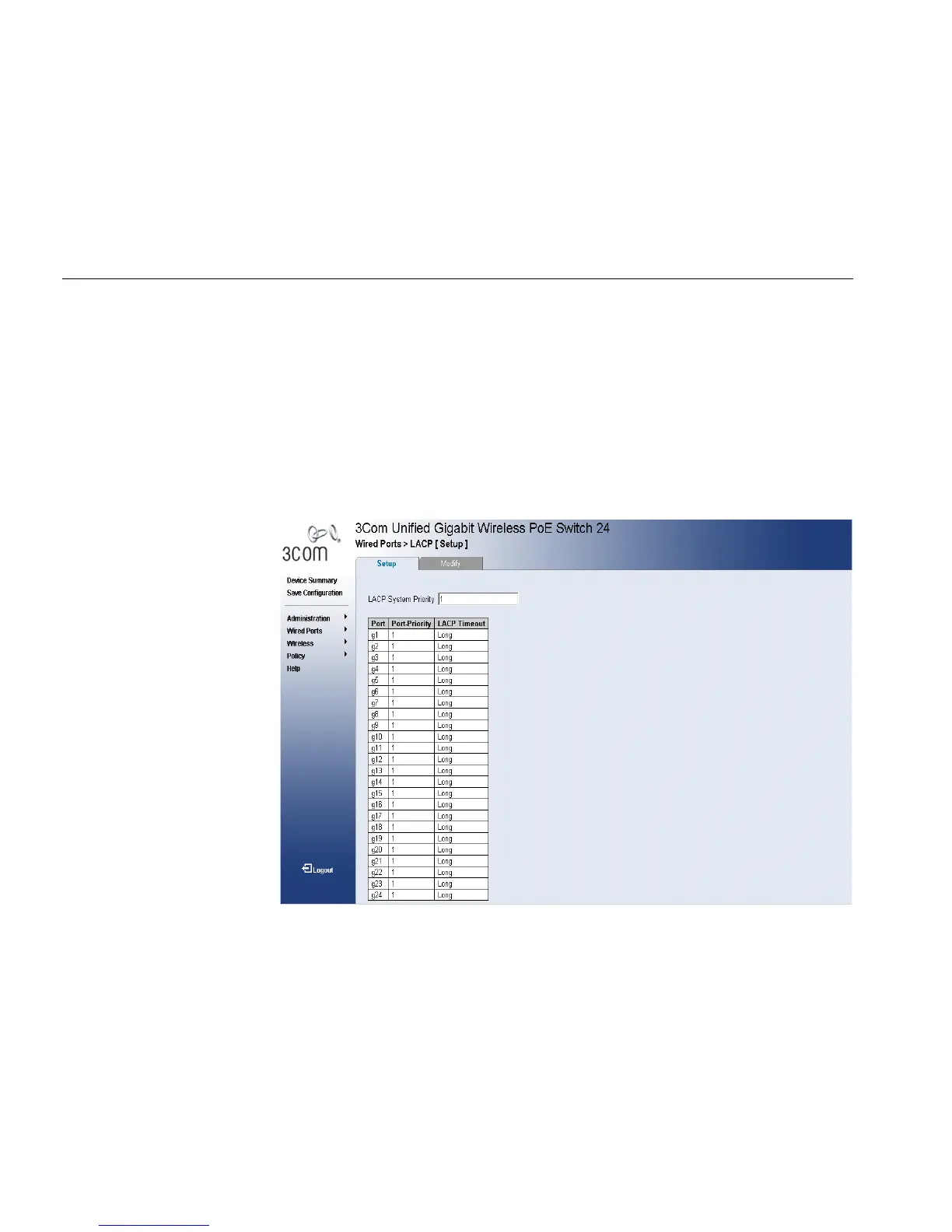
1 Click Wired Ports > LACP > Setup. The “LACP Setup Page” opens:
Figure 61 LACP Setup Page
The LACP Setup Page contains the following fields:
■ LACP System Priority — Specifies system priority value. The field
range is 1-65535. The field default is 1.
■ Port — Displays the port number to which timeout and priority values
are assigned.
■ Port Priority — Specifies port priority value. The field range is
1-65535. The field default is 1.












 To Next Page