Configuring LACP 131
■ LACP Timeout — Displays the administrative LACP timeout.
■ Long — Specifies a long timeout value.
■ Short — Specifies a short timeout value.
To modify LACP for LAGs:
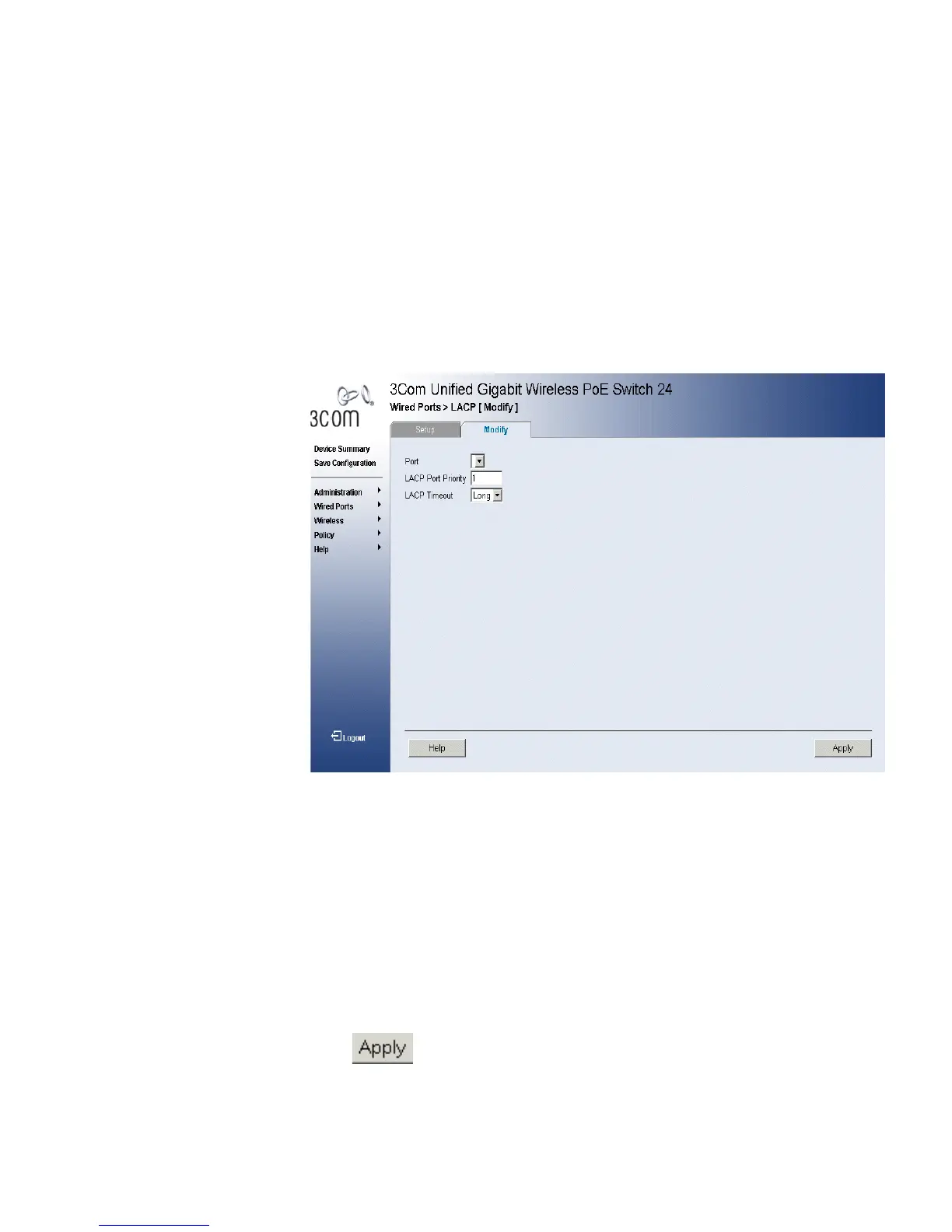
1 Click Wired Ports > LACP > Modify. The “LACP Modify Page” opens:
Figure 62 LACP Modify Page
The LACP Modify Page contains the following fields:
■ Port — Displays the port number to which timeout and priority values
are assigned.
■ LACP Port Priority — Specifies port priority value. The field range is
1-65535. The field default is 1.
■ LACP Timeout — Displays the administrative LACP timeout.
■ Long — Specifies a long timeout value.
■ Short — Specifies a short timeout value.
2 Edit the Port Priority and LACP Timeout fields.
3 Click . The LACP settings are saved, and the device is updated.












 To Next Page