Starting the 3Com Embedded Web Interface 21
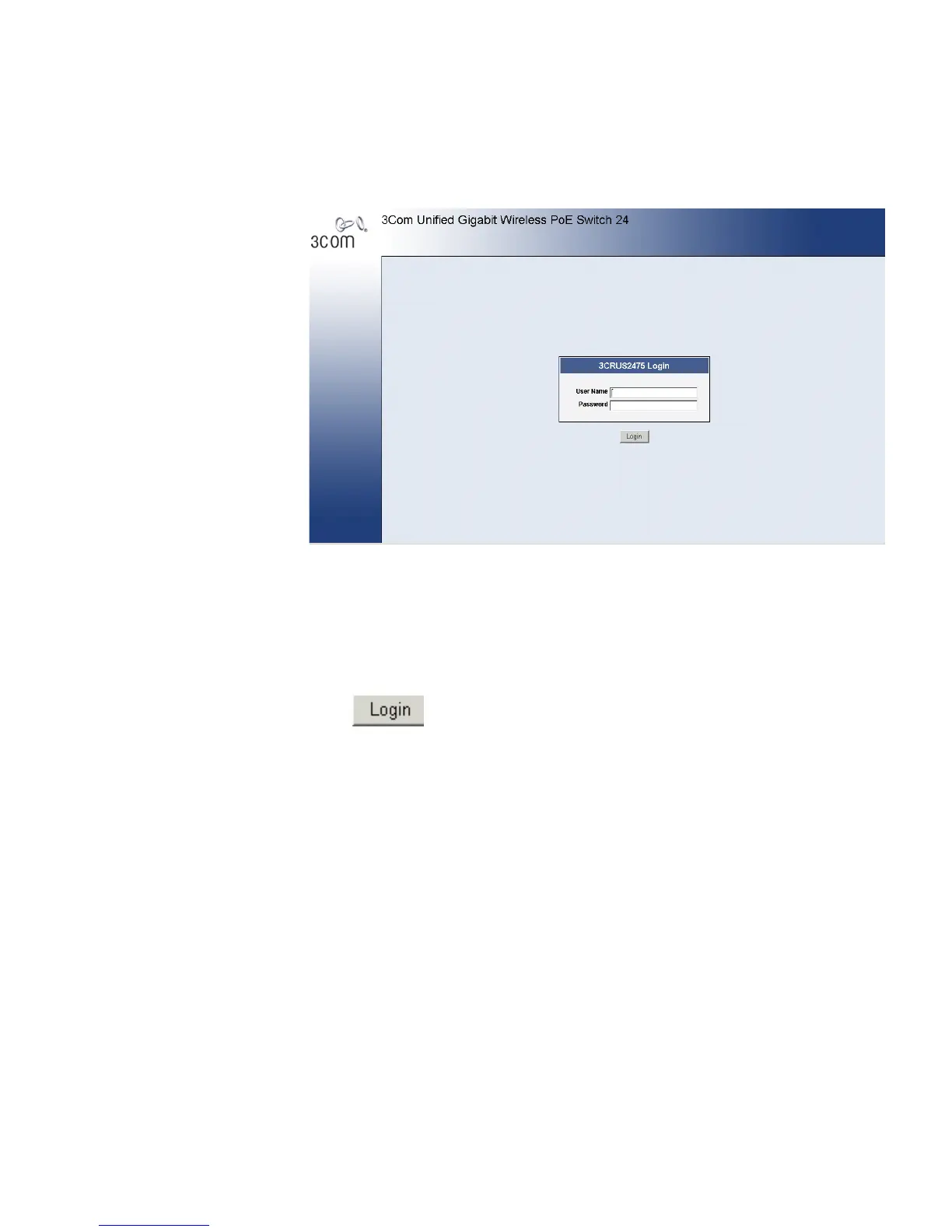
Figure 6 Enter Network Password Page
4 Enter your user name and password.
The device is configured with a user name that is admin and a password
that is blank, and can be configured without entering a password.
Passwords are case sensitive.
To operate the device, disable all pop-ups with a popup blocker.
5 Click . The 3Com Embedded Web Interface Home Page opens:












 To Next Page