Defining Management Access 43
To remove Management Access Methods:
1 Click Administration > Management Access > Remove. The
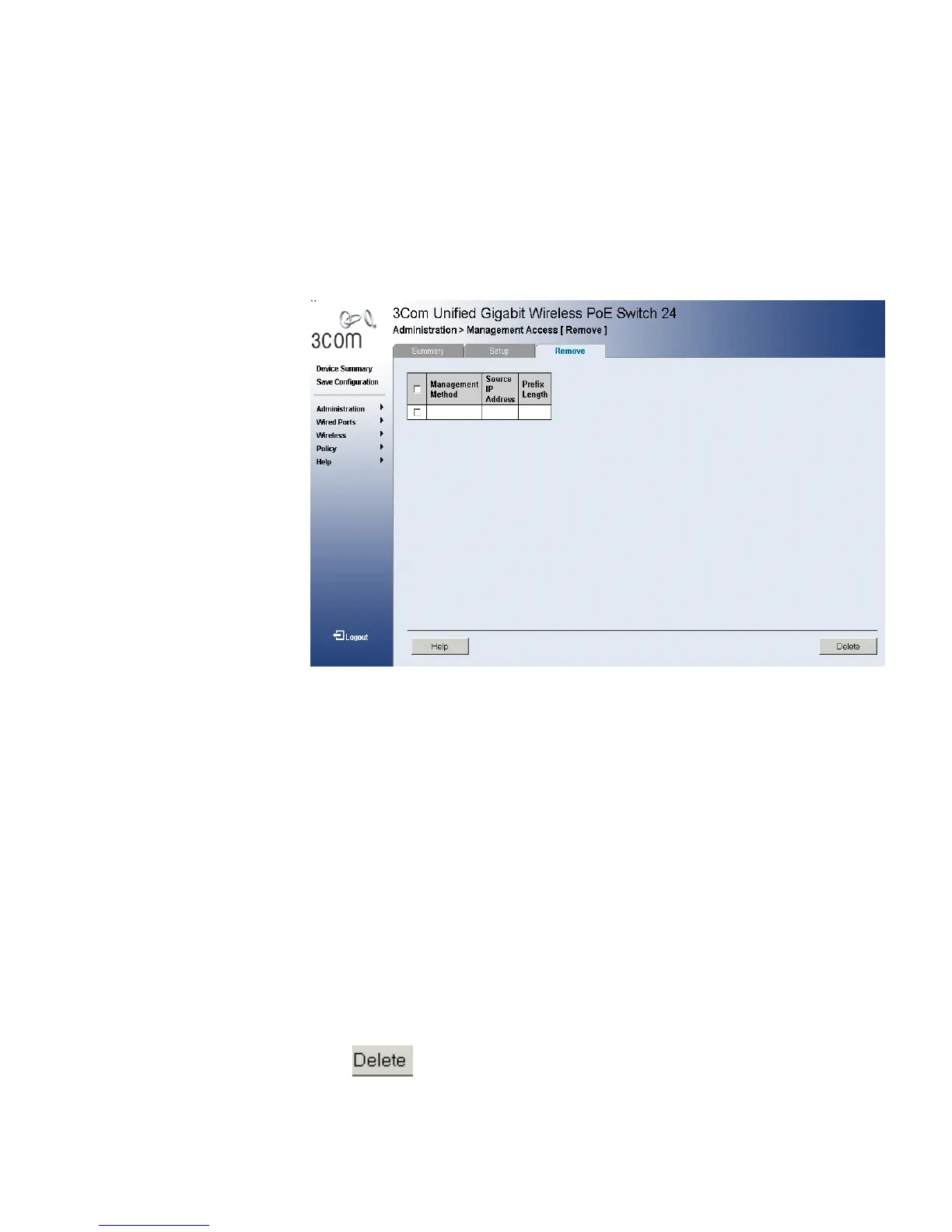
Management Access Remove Page opens:
Figure 22 Management Access Remove Page
The Management Access Remove Page contains the following fields:
■ Remove — Removes the selected access profile. The possible field
values are:
■ Checked — Removes the selected access profile. Access Profiles
cannot be removed when Active.
■ Unchecked — Maintains the access profiles.
■ Management Method — Defines the management method for
which the rule is defined.
■ Source IP Address — Defines the interface source IP address to
which the Management Access applies. The Source IP Address field is
valid for a subnetwork.
■ Prefix Length — Defines the number of bits that comprise the source
IP address prefix, or the network mask of the source IP address.
2 Select a Source IP to be removed.
3 Click . The Source IP is removed, and the device is updated.












 To Next Page