Binding ACLs 93
To define ACL Binding:
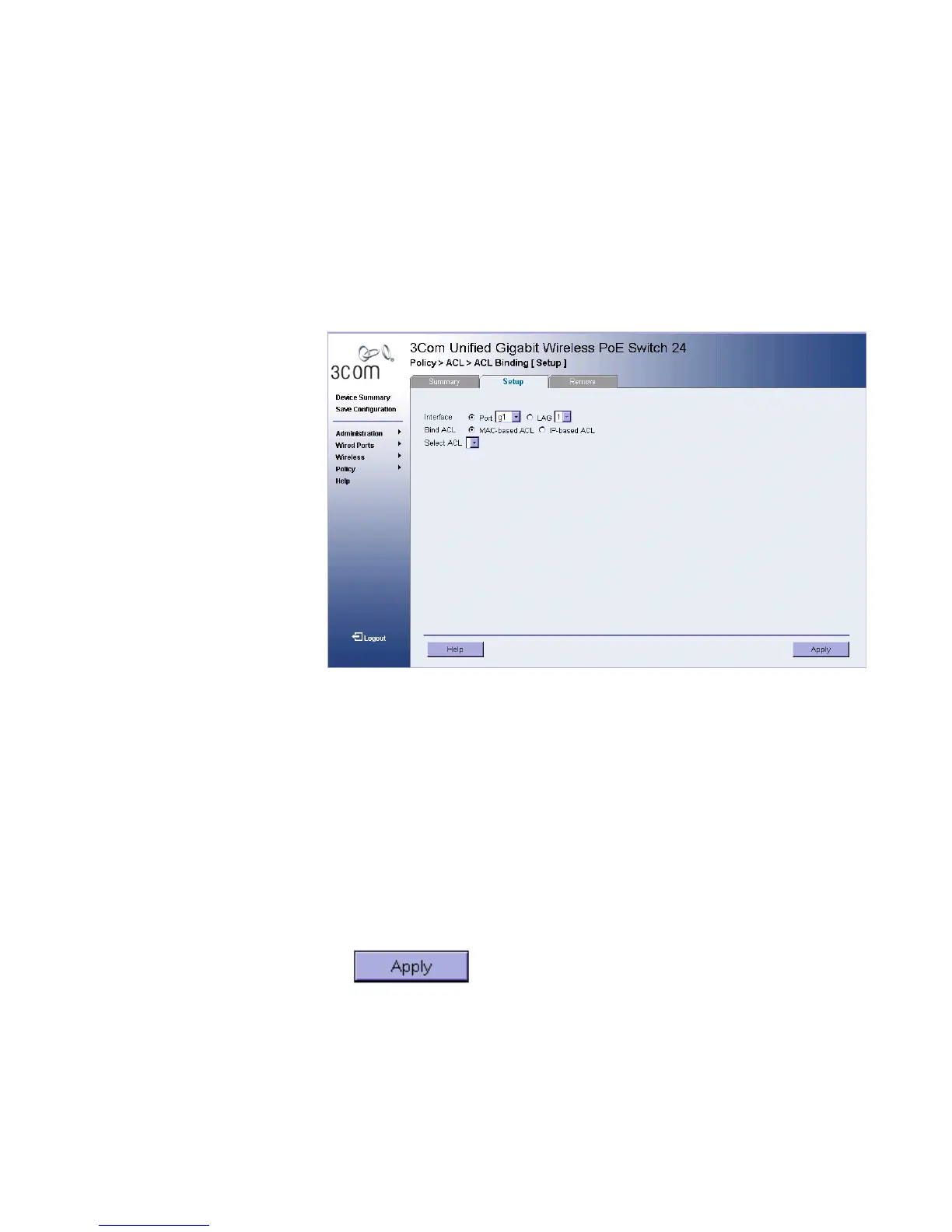
1 Click Policy > ACL > ACL Binding > Binding Setup. The ACL Binding
Setup Page opens:
Figure 49 ACL Binding Setup Page
The ACL Binding Setup Page contains the following fields:
■ Interface — Selects the Ports or LAGs interface to be configured.
■ Ports — Selects the ports interface to be bound.
■ LAGs — Selects the LAGs interface to be bound.
■ Bind ACL — Binds the interface to the ACL interface.
■ MAC-based ACL — Binds the interface to the MAC-based ACL.
■ IP-based ACL — Binds the interface to the IP-based ACL.
■ Select ACL — Selects the ACL to be bound. Define the fields.
2 Define the fields.
3 Click . The ACL Binding Page is defined, and the device is
updated.












 To Next Page