28
3. User interface
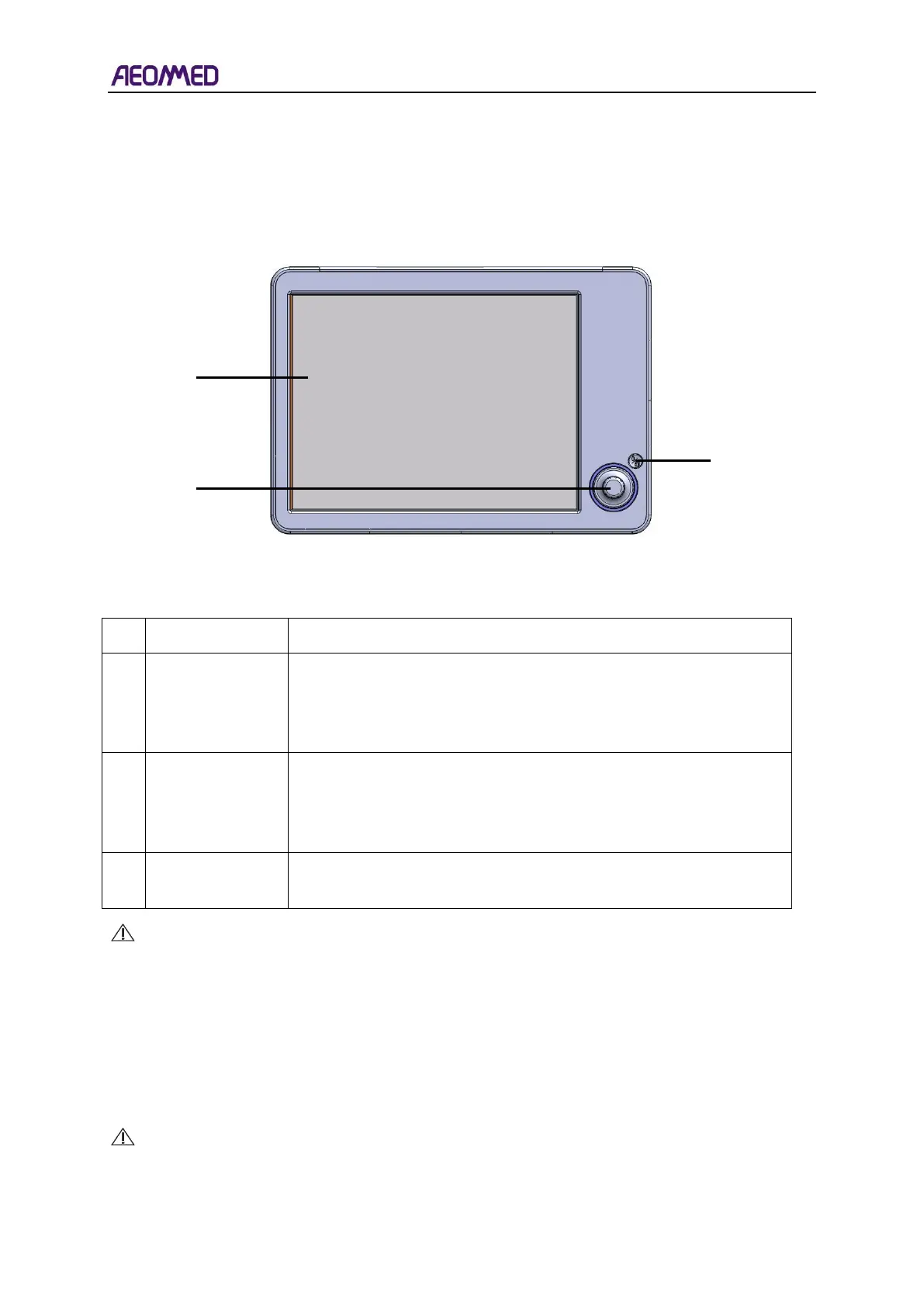
The panel of the Anaesthetic Workstation is composed of the user interface, the function keys, and
a knob. As shown in figure 3-1.
Table 3-1 User interface
The user interface can display real-time pressure and flow
waveforms, respiratory loop, monitoring data, electronic flowmeter
settings and Anaesthetic Workstation and provides both sound and
visual alarms to assist the user.
The user can set the parameter values by rotating the knob and
confirm set values by pressing the knob. Rotating the knob
clockwise increases values and rotating the knob counter-clockwise
decreases values.
Press the manual/ auto key to switch the manual/ auto mode. If the
machine is on standby, IPPV mode will be brought up.
CAUTION: The required circumstance of the monitoring of the breathing system as
follows:
⚫ Circumstance temperature: 25℃;
⚫ Gas temperature: 25℃;
⚫ Gas tidal: 30%;
⚫ Gas: O
2
.
CAUTION: The Anaesthesia ventilator which is used with the anaesthetic system
complies with ISO 80601-2-13.



 To Next Page