There are three display statuses in the process of parameter setting:
1. The first status displays when no operation has been performed
to the button;
2. The second status displays when the button has been selected
by the rotation of the knob;
3. The third status displays when the button has been pressed.
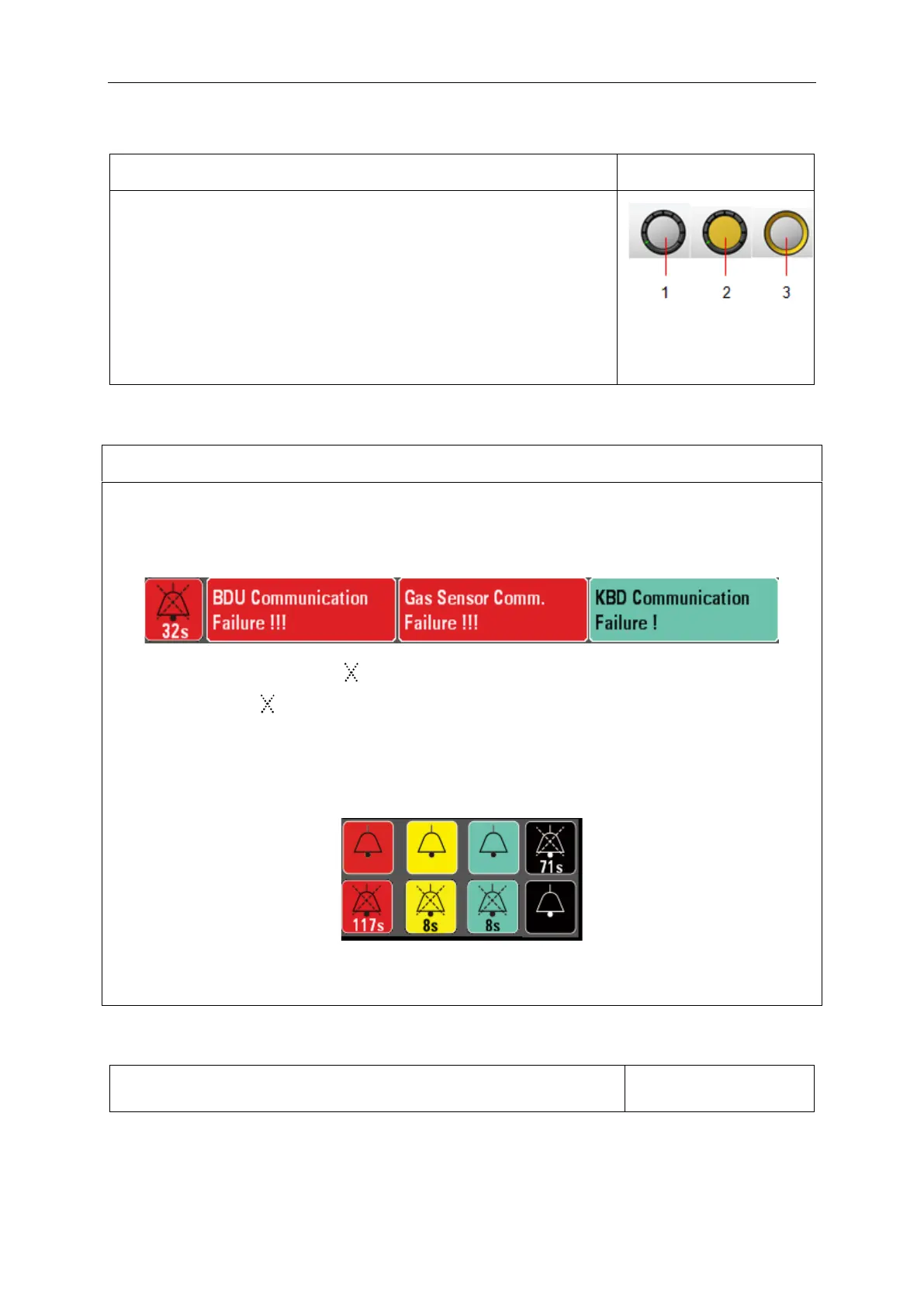
Alarm indication: when an alarm activated, an alarm bell icon shows in the alarm bar. For top
priority alarms, the alarm bell is red with white lettering. The medium-priority alarm bells are yellow
with black lettering, and the low-priority alarm bells are blue-green with black lettering.
By pressing MUTE button, an “ ” shows on the alarm icon. Below the alarm bell a countdown
timer appears. The “ ” and countdown second display the same color as the alarm bell.
If there is an alarm, press alarm bell and the silence will keep for 120 seconds; press the key
again, and the silence is cancelled. If the alarm has a change but the silence less than 120s, the
silence will be cancelled.
The flickering frequency of higher priority alarm among all alarms indicates all alarms, alarm bell
and countdown seconds (if any). The alarm information text keeps own color respectively (if any).



 To Next Page