32
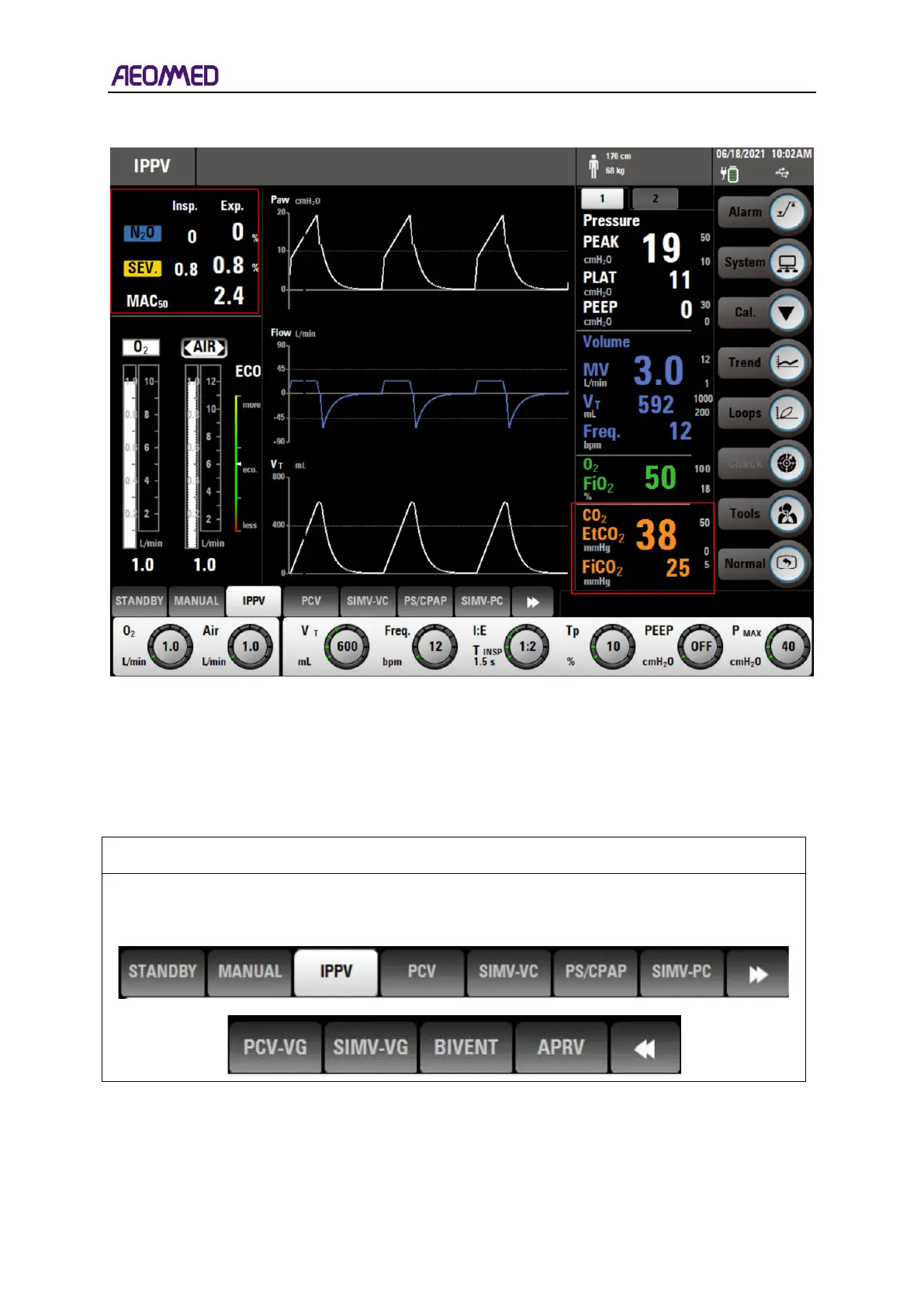
3.1.2. The Interface layout with CO
2
and Anaesthesia gas monitoring
Table 3-5 Main interface display layout 2
3.2. Information of the main interface
3.2.1. Ventilation mode set and display area
3.2.1.1 Ventilation mode display
Ventilation mode display: ventilation mode area shows current ventilation mode. The mode
setup menu will be open by clicking the ventilation mode area via touch screen.



 To Next Page