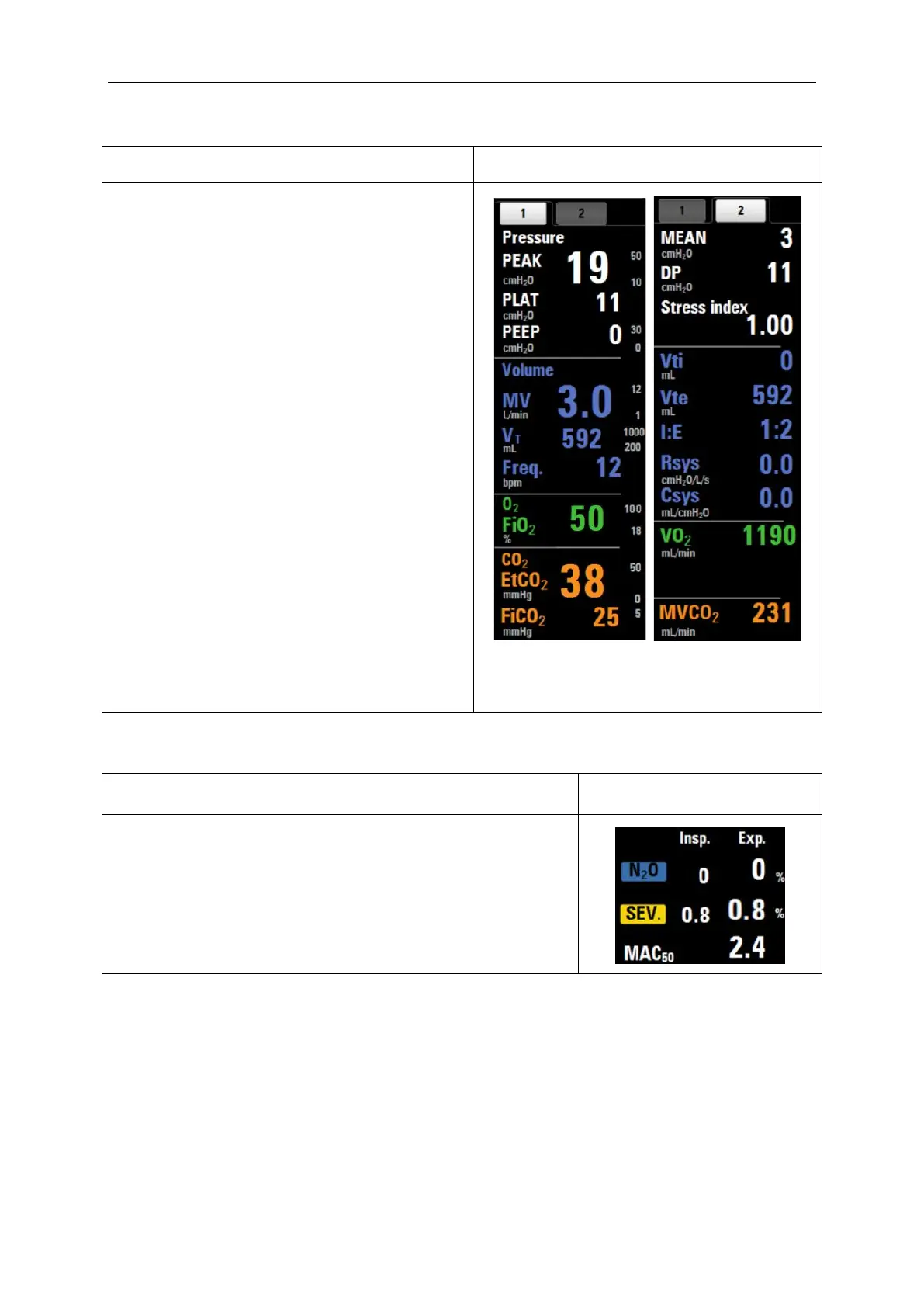
The patient parameters area is on the right side
of the screen, with two tabs:
On the first tab, the maximum display is four
groups of parameters, including pressure group,
volume group, oxygen concentration group (O
2
),
and carbon dioxide concentration group (CO
2
);
On the second tab, the maximum display is four
groups of parameters, including ventilation
pressure group, ventilation capacity group,
oxygen consumption group, and carbon dioxide
minute ventilation group (changing with menu
switching).
The second tab has the traction index and driving
pressure. The explanation is below:
Traction index: the monitoring range of
monitoring function was 0.100~5.000;
Driving pressure(DP): monitoring function, the
monitoring range is 0~100cmH
2
O.
Note: Under the standby mode, the monitoring
values of all parameters will not be displayed.
Gas monitoring parameters are displayed on the left side of the
screen, including three parameters: primary agent, nitrous oxide
(N
2
O) concentration, and inhalation MAC value.



 To Next Page