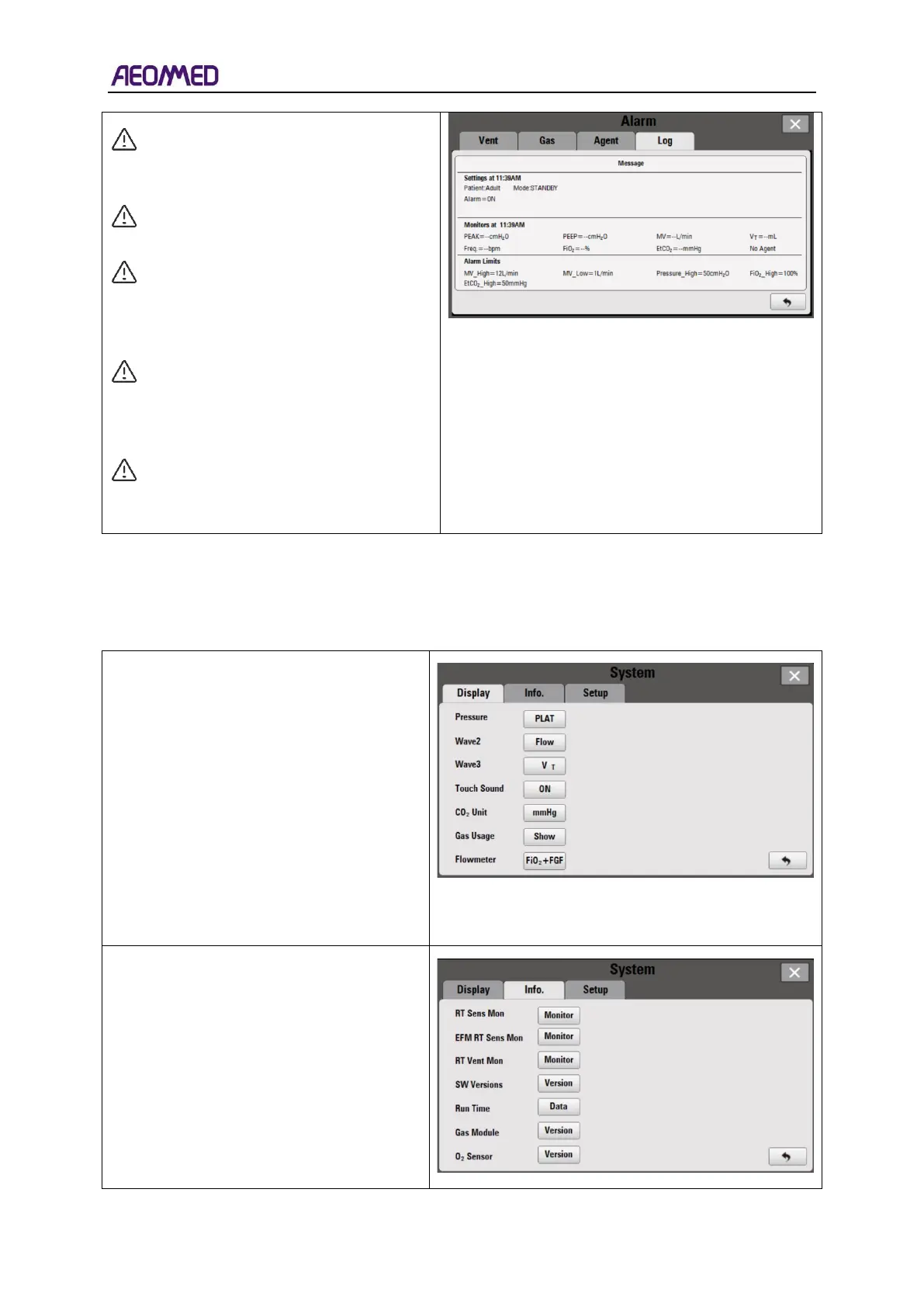
CAUTION: If there is a red dot in the
alarm status bar, it indicates that this
alarm still exists.
Note: The alarm system power-off
time is not recorded in the alarm log.
Note: Alarm logs are saved in real
time. When the Anaesthesia system
is restarted after power outage, the
log will not be changed.
Note: The alarm log stores 500
records, and automatically covers
the earliest records and cycles after
full storage.
Note: Users don't have the
permission to delete nor modify logs,
only to view.
5.7.2. System setting
System setting menu contains three sub-menus: Display, Info, and Setup. Display submenu is the
default menu.
The display information on the interface
can be set in the display menu.
Pressure: two options: Mean and Plat.
WAVE2: three sections including Flow, CO
2
and V
T
, which displays in WAVE 2 area.
WAVE 3: three options: Flow, CO
2
and V
T
,
which displays in WAVE 3 area
.
Touch Sound: two options: ON and OFF.
CO
2
UNIT: two options: % or mmHg.
Gas Usage: the real-time monitoring value
of the agent and N
2
O.
The Info: menu includes the following
items.
Run Time: view machine power times, total
run time and last run time.
Gas Module: view the module type, the
software version, the hardware version and
S/N.



 To Next Page