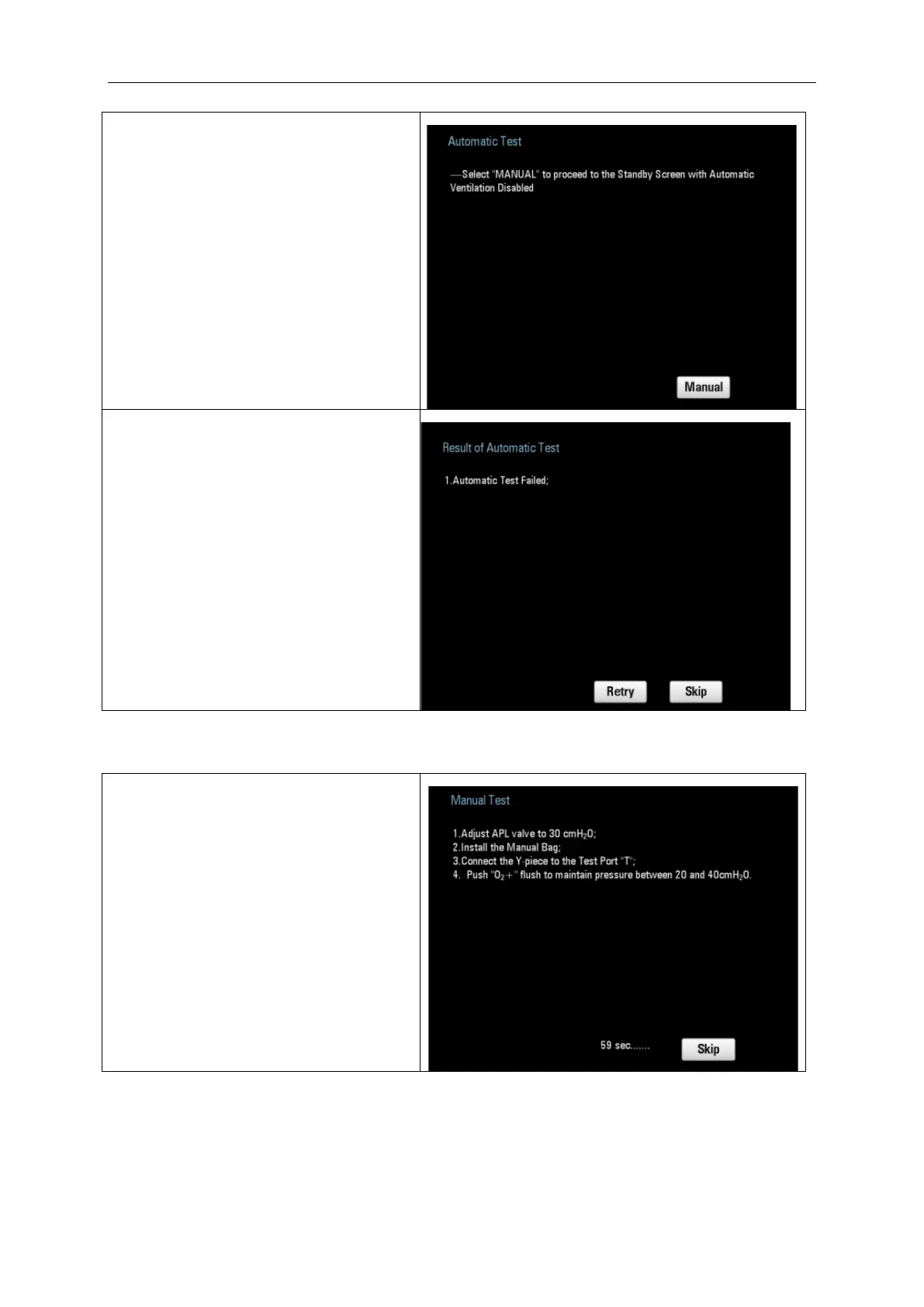
5. Automatic Test failed
If the pressure sensor (Ambient pressure
sensor and Airway pressure sensor) is
disabled, the automatic test will fail and
the prompt message will appear on the
user interface.
In this situation, only manual ventilation is
available.
Select “Manual” to enter the Standby
mode.
6. Automatic Test failed
If the pressure rises during the automatic
test, the test will fail and the interface as
the picture on the right appears.
1) Select “Retry” to do the Automatic
Test again.
2) Select “Skip” to proceed to Manual
Test, the automatic ventilation is
disabled.
1. If the automatic test is not done before
performing the manual test, the user
interface will display as the picture on the
right.
Follow the instructions on the user
interface.
Pressing “Skip” and the system will enter
the normal interface.



 To Next Page