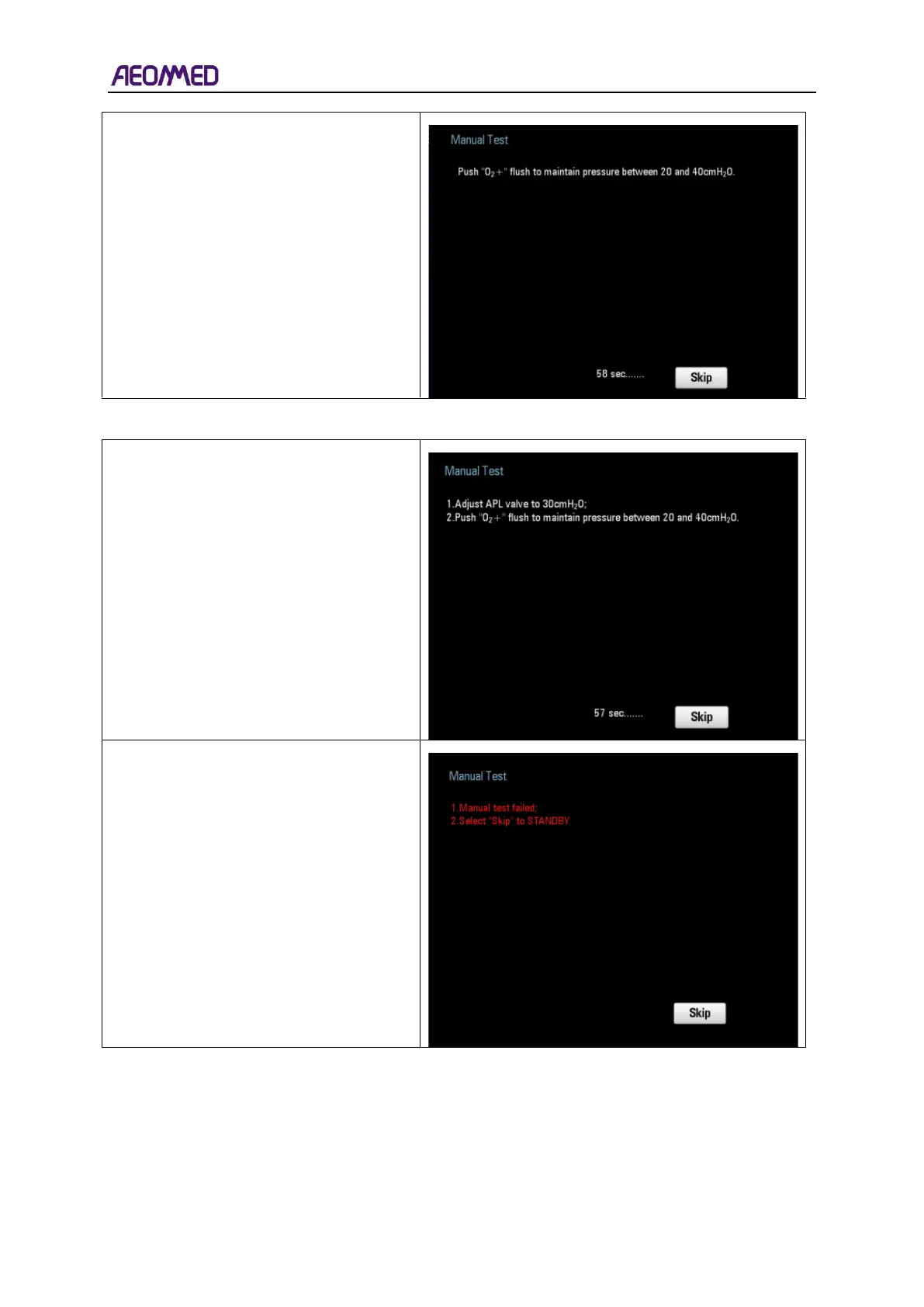
2. If system enters into the Manual Test
when partial automatic test is done, the
user interface will display as the picture
on the right.
Press “O
2
+” button according to the
instructions on the user interface during
60s.
Select “Skip”, the system will enter into
the normal interface.
1. If the PAW gauge value is below 20
cmH2O, the interface will display as the
picture on the right.
During the 60s count, time proceed with
the procedure according to the
instructions on the user interface.
Select “Skip” and the system will enter
into the Standby interface.
2. If the manual test fails three times, the
interface displays the picture on the right.
Select “Skip” the system will enter into the
Standby interface.



 To Next Page