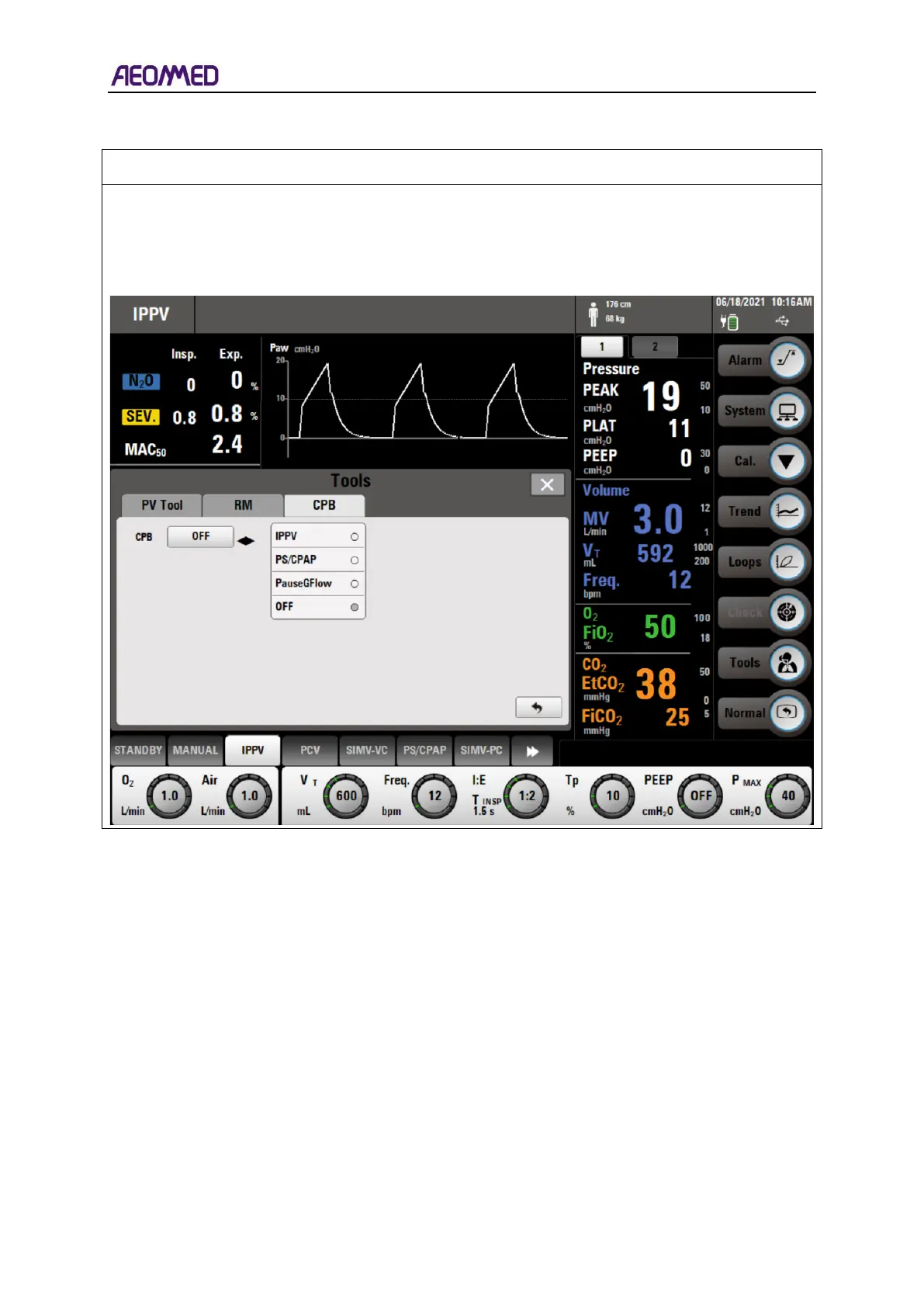
The background of the overall menu is gray with the menu title centered at the top of the window.
Below the menu title, there are several tabs containing different content within the menu. In the
top, right corner of the window is a "×" button which closes the menu when pressed. The menu
elements include an option key, button, label, indicative text, pictures, etc.



 To Next Page