66
5.5. Patient type setting
CAUTION: Adult is the default patient type after starting system.
CAUTION: Set the patient type only in STANDBY mode.
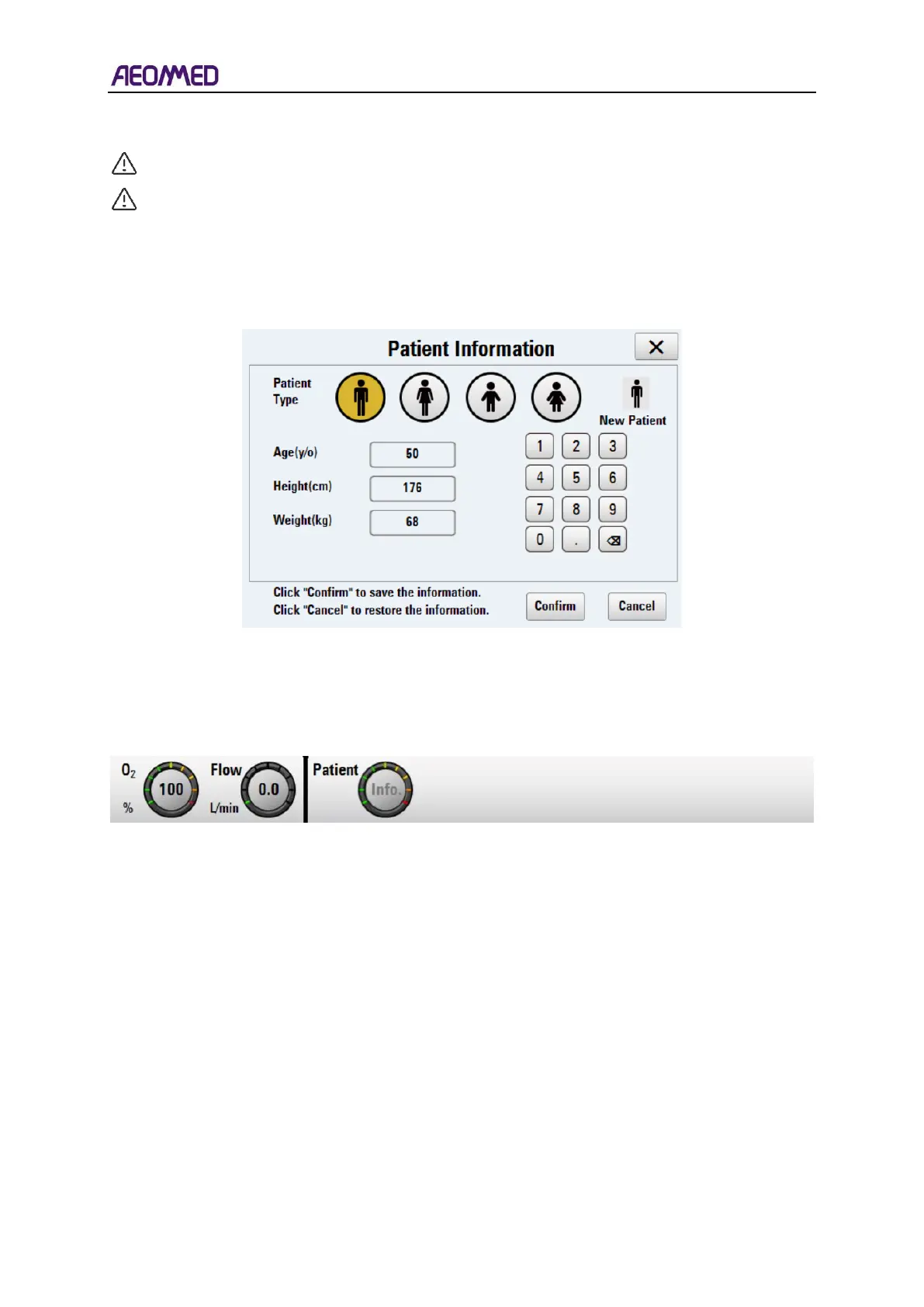
Following the power-up interface, the patient information window will pop up. The user can set
patient type, including age, height, and weight.
Table 5-1 patient information setting
The patient information will be displayed in the "patient information area" after the user pressing
the “Confirm” button. The patient type can also be set in the "mode parameter setting area" ->
"information button", as shown in the figure below.
Table 5-2 information button



 To Next Page