3.2.6. Patient message area
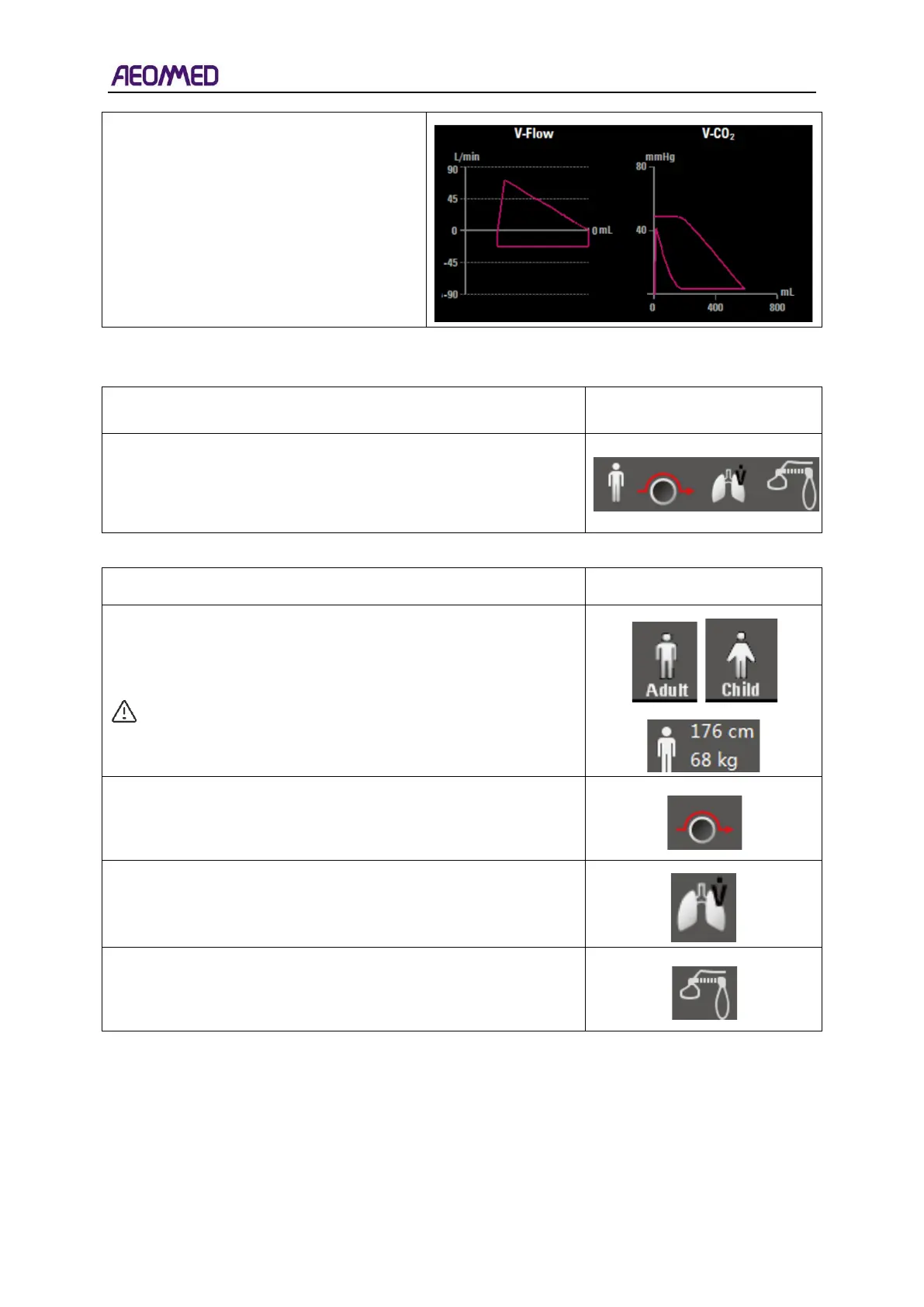
The patient message area is to the right of the alarm zone, and to
the left of the machine information area. From left to right, there
are four icons in the patient information, which are patient type,
bypass, trigger type and AGCO.
The description of these icons is as follows.
Patient type shows adult or child, and information of height and
weight.
CAUTION: Patient type setting is conducted under
standby mode.
The Bypass indicator will display the bypass Indicator symbol
immediately when the machine is in the bypass state, and will be
blank immediately when the machine is in the normal state.
When patient triggers, the trigger logo will show in the patient
information area and disappear after 250ms. The background
color will restore the original color.
The ACGO Indicator will be displayed when the machine is
switch to ACGO, and ACGO indicator will be blank immediately
when the machine is in the normal state.



 To Next Page