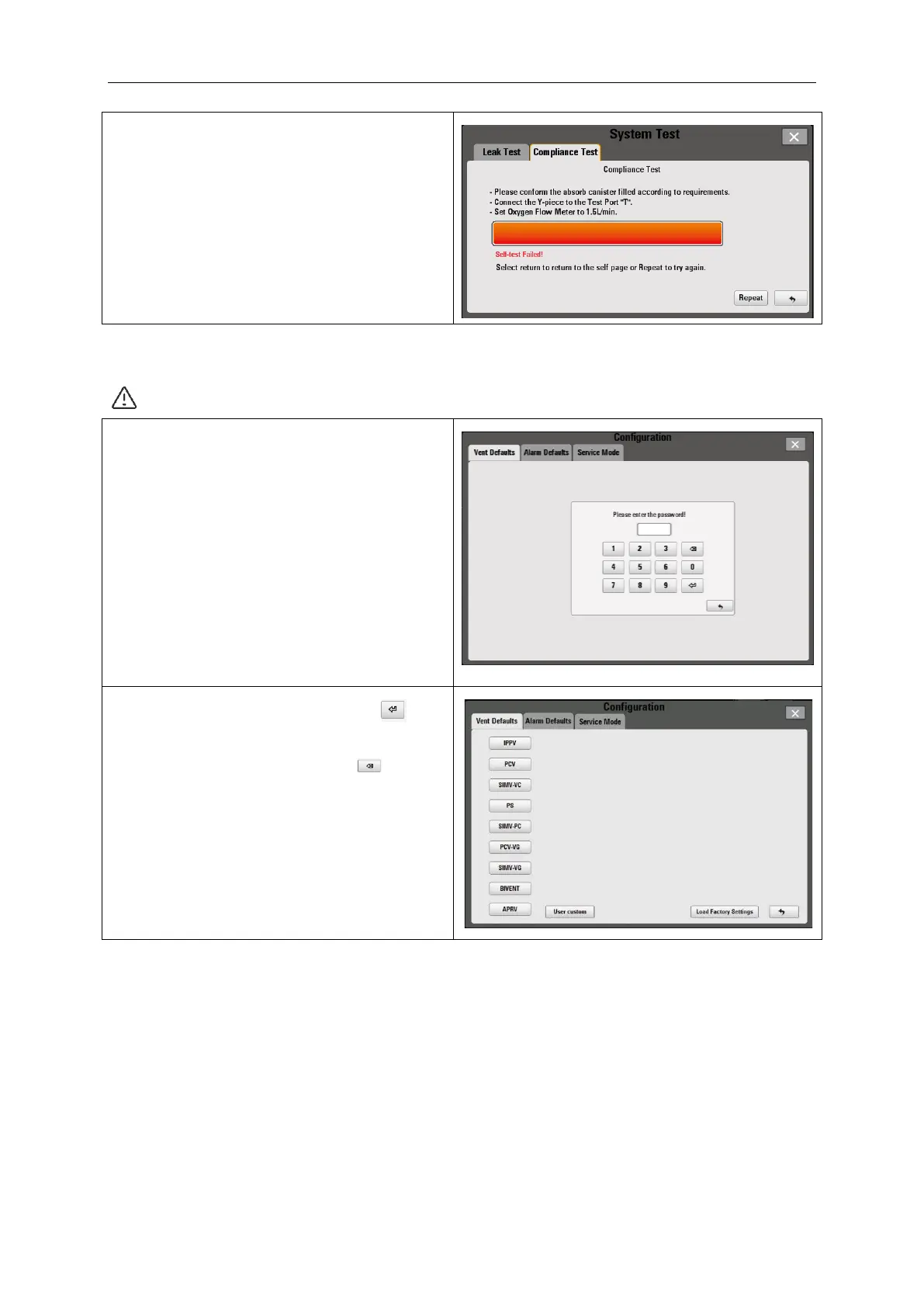
If the Compliance Test fails, the interface is
shown as the picture on the right.
Press the “Repeat” button to perform the Leak
Test again.
Press the “Return” button to return to the
normal interface.
5.7.7. Configuration
CAUTION: Configuration button is effective only in standby mode.
When the “Configuration” button is selected,
the interface is as shown in the figure on the
right, including Vent Defaults, Alarm Defaults
and Service mode.
Vent Defaults and Alarm Defaults are for super
user.
Service Mode is for service represent.
Enter password “2020” and click on “ ”, the
interface shown as the picture on the right.
If enter wrong password, click on “ ” to clear
the entered number.
There are four ventilation modes in the “Vent
Defaults” tab, including IPPV, PCV, SIMV and
PS/CAPA.



 To Next Page