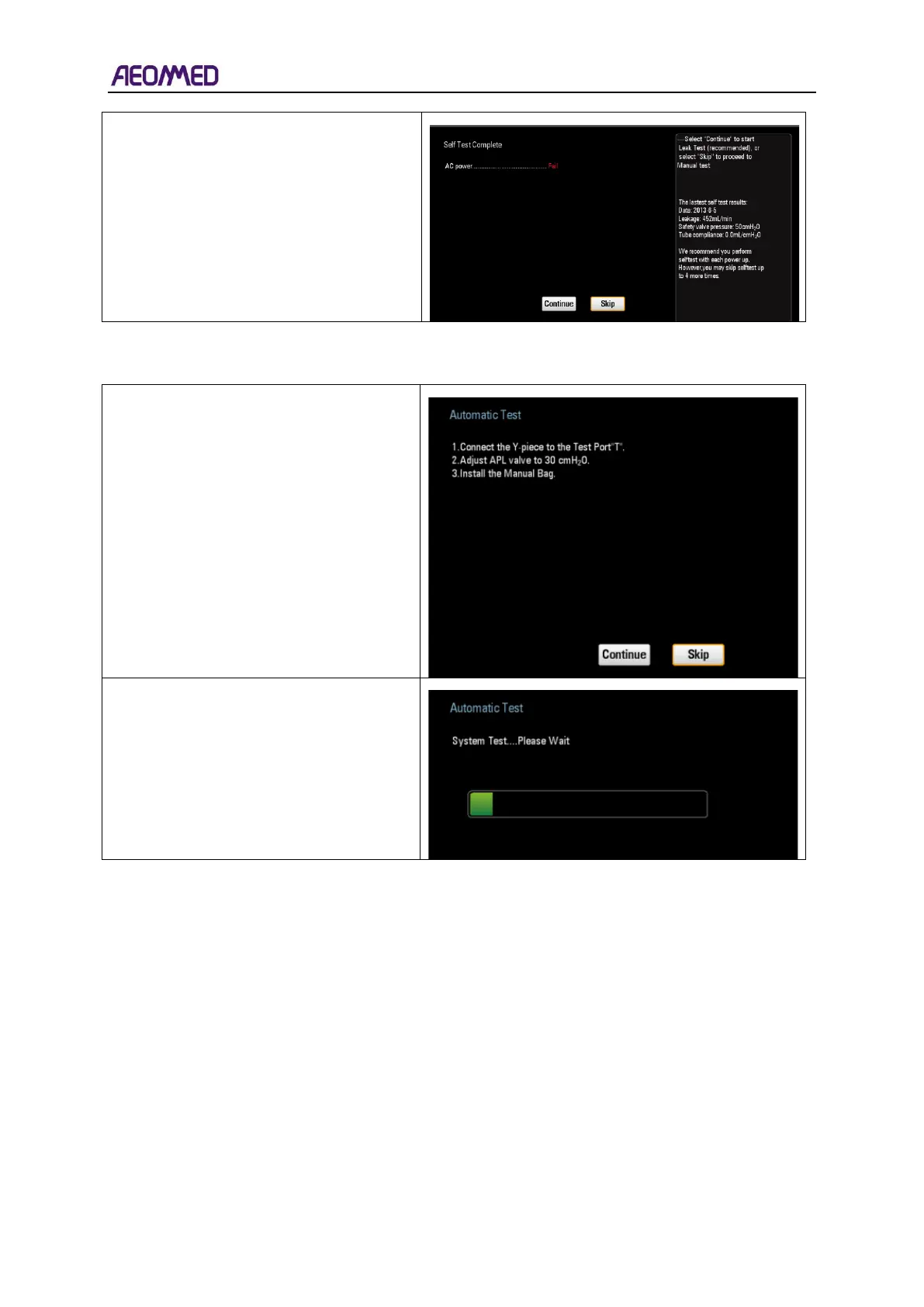
2) Press “Skip”, the “Manual Test”
interface appears.
After System Self-test, the automatic Test
begins.
Follow instructions on the user interface.
1) Press “Continue” to perform
Automatic Test.
2) Press “Skip” to proceed to Manual Test.
Press “Continue”, the system enters the
Automatic Test interface.
“Automatic Test…”appears on the user
interface.
These situations may appear during the automatic test, please:
1. Do according to the prompt message on the user interface.
2. Select “Continue” and press the knob, the system begins to re-test, and the interface displays
shown as above picture.



 To Next Page