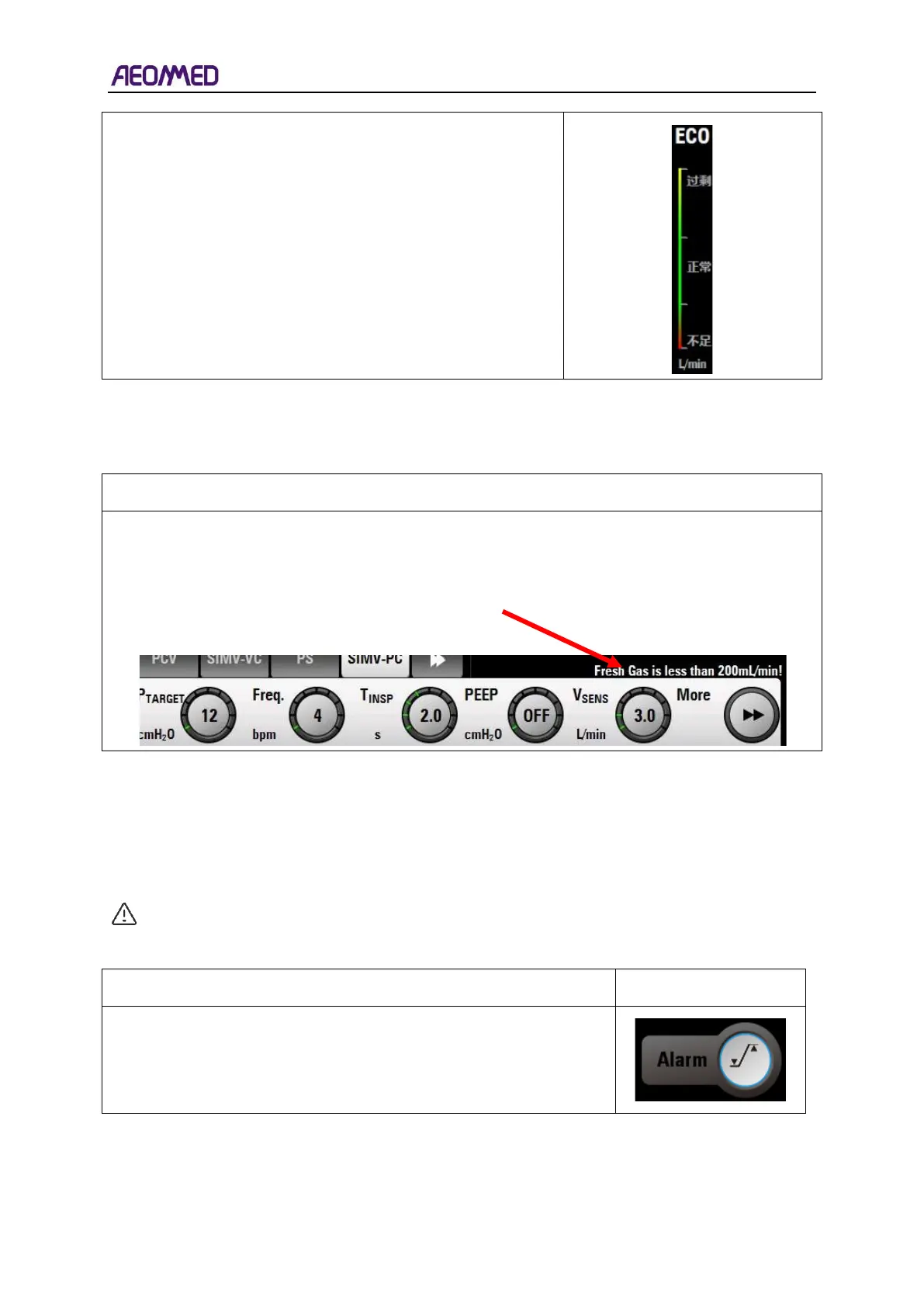
The display range of economic flow is 0~4L/min, It is oxygen
gas consumption range of current patient. The consumption
range is (MV*etCO
2
% ~ MV*etCO
2
%+1L/min).
3.2.10. Message prompts area
Name description and Diagram
Message prompt area is in the upper left corner of the parameter settings area. Message prompt
area is used to display critical information or to provide real-time help to the user.
3.2.11. Shortcut key area
The shortcut key area includes shortcuts to alarm settings, system settings, calibration, and trend,
breathing loop, self-test, configuration, and main interface.
CAUTION: Shortcut keys are disabled during power up self-test.
Alarm settings: when the user presses the alarm setting button, the
alarm menu appears. If the user has already entered the alarm
interface, the alarm setting menu closes and the user returns to the
main interface.



 To Next Page