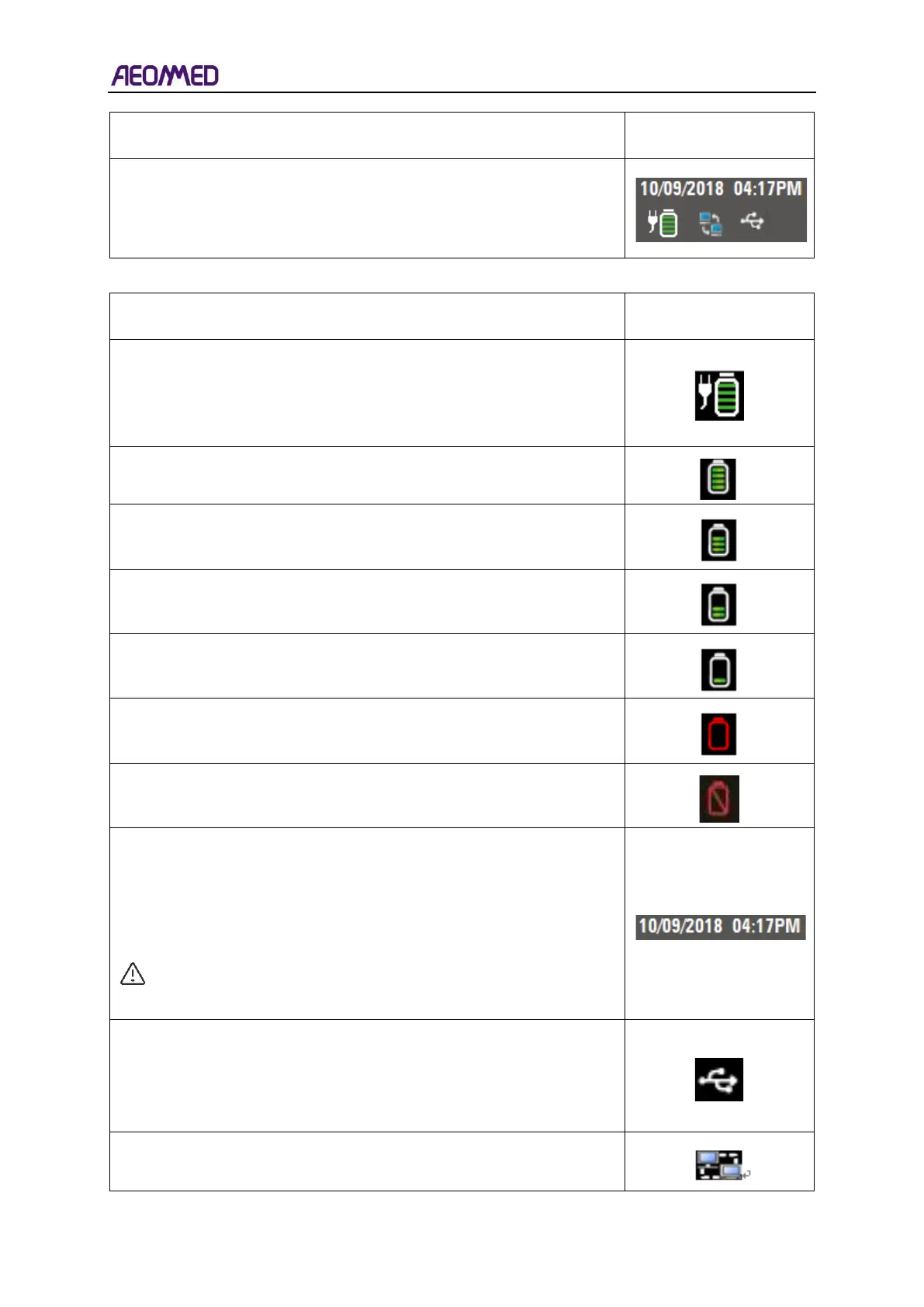
Machine information area is at the top right-hand corner of the
screen. There are four icons in this area: Battery and AC Power
Indicator, USB Indicator, Time Indicator, Date Indicator and NET
indicator.
The description of these icons is as follows.
Power status includes AC power and backup battery state, which will
be always shown. When AC power is normal, the white plug icon
shows consistently without flashing. When net power is disconnected
or fails, the white plug icon disappears.
Current date indicates at date display area, with format
“YYYY/MM/DD, MM/DD/YYYY or DD/MM/YYYY”.
Current time indicates at the time display area, with 12 hour or 24
hour format.
NOTE: Time and date format can be set in system setup
menu.
The Anaesthetic Workstation can detect a USB device. When the
machine detects USB access, this icon shows up. When the device is
unplugged or fails to detect USB, this icon does not show.
Anaesthetic Workstation
The Anaesthetic Workstation can detect a NET connection. If a NET
connection is detected, it displays the indicator as shown in the figure



 To Next Page