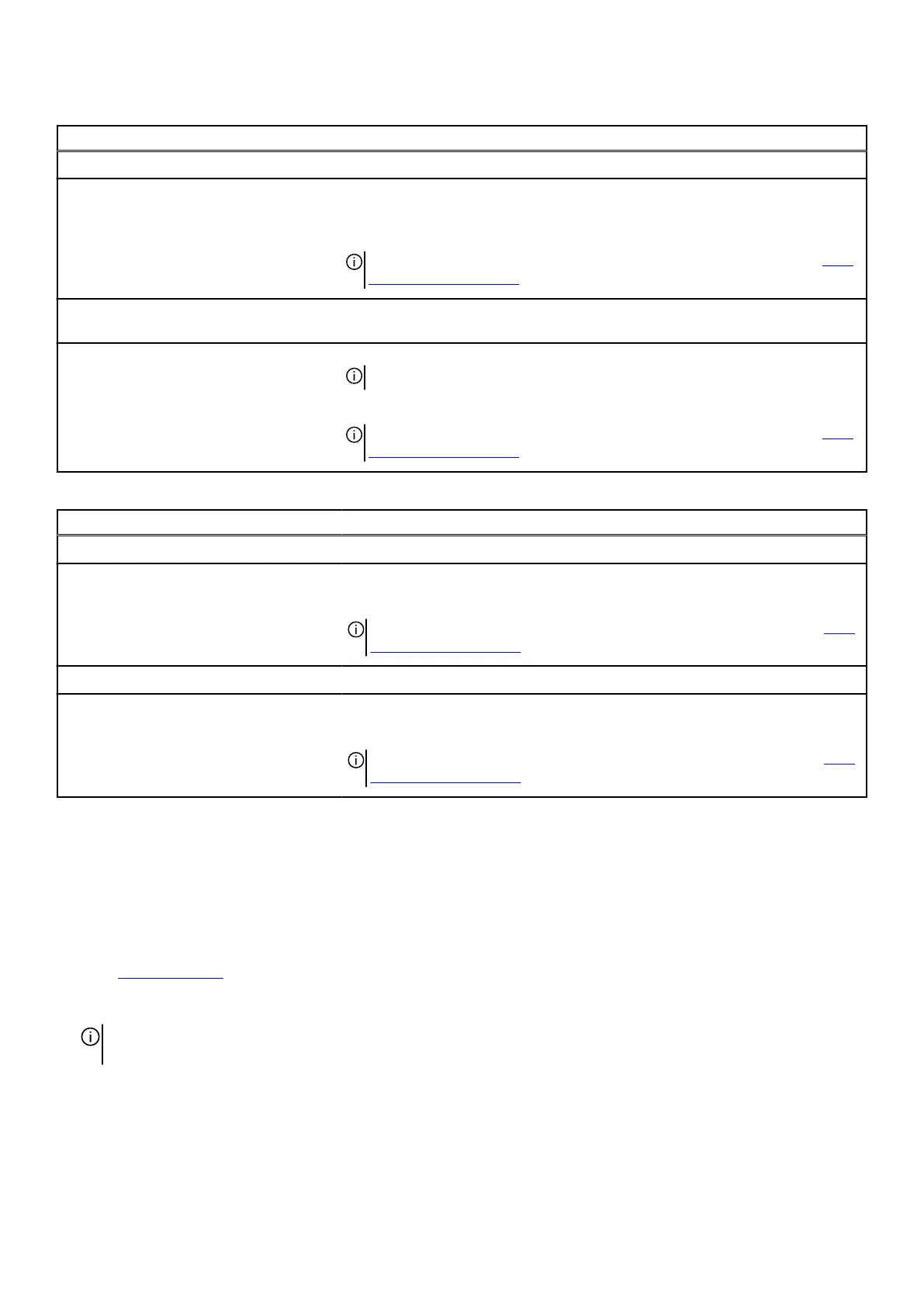
Table 38. System Setup options—Performance menu(continued)
Performance
OverClocking feature
OverClocking feature Enables or disables global overclocking functions. When this option is enabled,
overclocking options are displayed.
By default, the OverClocking feature option is disabled.
NOTE: To view this option, enable Advanced Setup mode as described in View
Advanced Setup options.
PCIe Resizable Base Address Register
(BAR)
PCIe Resizable Base Address Register (BAR) Enables or disables PCIe resizable bar support.
NOTE: This option is available for development only and is not customer visible.
By default, the PCIe Resizable Base Address Register (BAR) option is disabled.
NOTE: To view this option, enable Advanced Setup mode as described in View
Advanced Setup options.
Table 39. System Setup options—System Logs menu
System Logs
BIOS Event Log
Clear BIOS Event Log Select the option to keep or clear BIOS events logs.
By default, the Keep Log option is selected.
NOTE: To view this option, enable Advanced Setup mode as described in View
Advanced Setup options.
Power Event Log
Clear Power Event Log Select the option to keep or clear power events logs.
By default, the Keep Log option is selected.
NOTE: To view this option, enable Advanced Setup mode as described in View
Advanced Setup options.
Updating the BIOS
Updating the BIOS in Windows
Steps
1. Go to Dell Support Site.
2. Go to Identify your product or search support. In the box, enter the product identifier, model, service request or describe what
you are looking for, and then click Search.
NOTE: If you do not have the Service Tag, use the SupportAssist to automatically identify your computer. You can also use
the product ID or manually browse for your computer model.
3. Click Drivers & Downloads. Expand Find drivers.
4. Select the operating system installed on your computer.
5. In the Category drop-down list, select BIOS.
6. Select the latest version of BIOS, and click Download to download the BIOS file for your computer.
7. After the download is complete, browse the folder where you saved the BIOS update file.
BIOS Setup 159















 To Next Page