Table 20. Memory configuration matrix
Configuration
Slot
DIMM1 DIMM2
16 GB DDR5 8 GB 8 GB
32 GB DDR5 16 GB 16 GB
64 GB DDR5 32 GB 32 GB
Next steps
1. Install the left cover.
2. Follow the procedure in After working inside your computer.
Single-graphics card
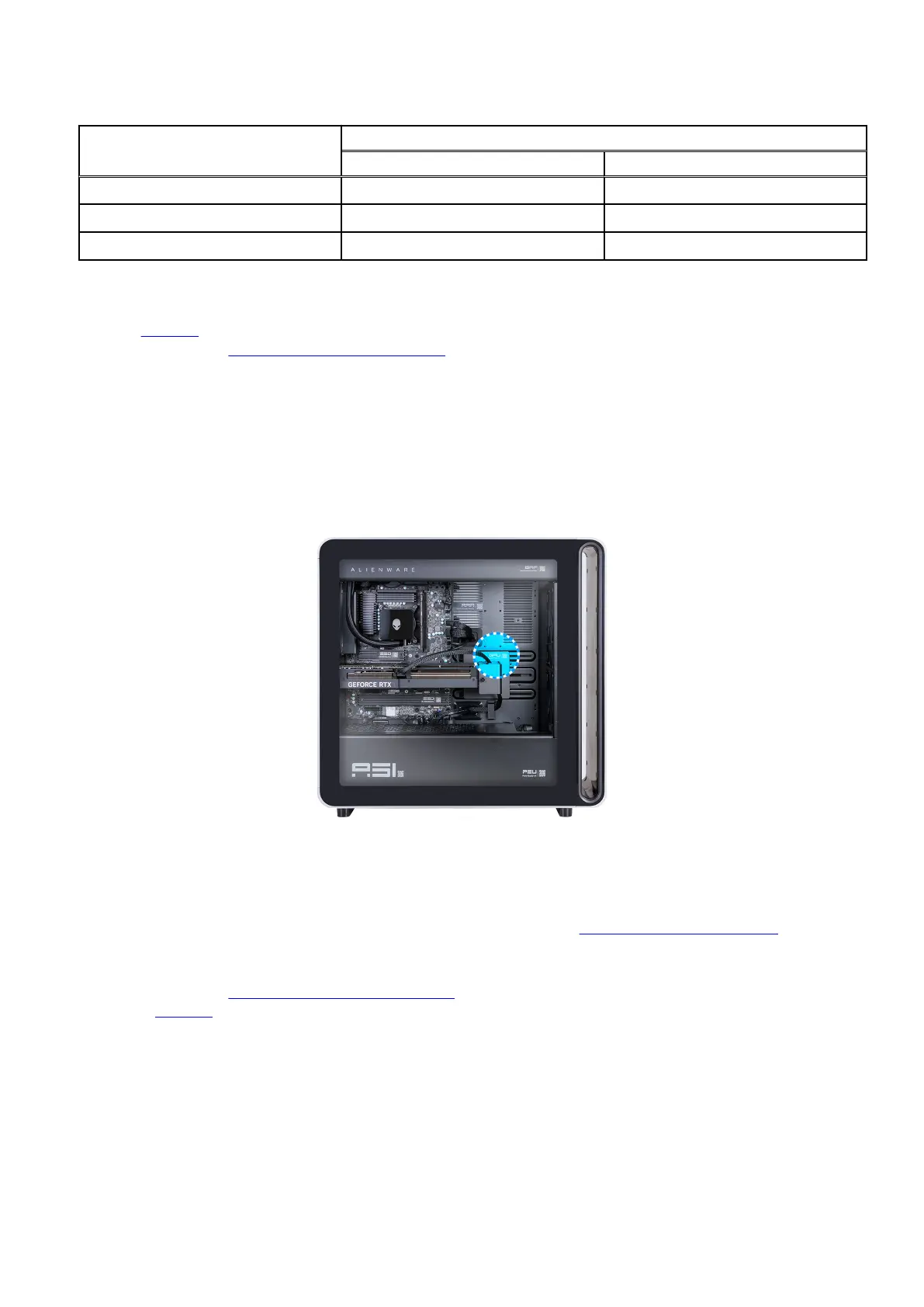
QR code for graphics card video
The following image indicates the location of the QR code for graphics card video. Scan the QR code on the chassis to view the
graphics card removal and installation video.
Figure 52. QR code for graphics card video
Removing the single-graphics card
You can view the video to remove or install a graphics card. For more information, see QR code for graphics card video.
Prerequisites
1. Follow the procedure in Before working inside your computer.
2. Remove the left cover.
About this task
The following images indicate the location of the single-graphics card and provide a visual representation of the removal procedure.
Removing and installing Customer Replaceable Units (CRUs) 67















 To Next Page